Assign issues in Document Processes

If a review rule was set to not assign issues automatically, the process owner will need to manually assign issues.
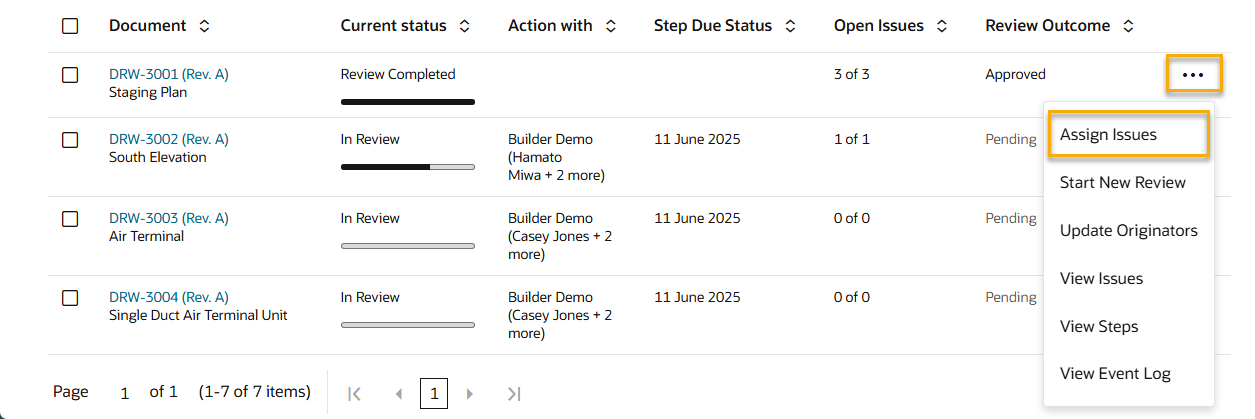

  1. From the main navigation menu, click Document Processes and select Deliverables.
  2. Find the deliverable with a completed review that was not configured to assign issues automatically.
  3. Click the three dots menu and select Assign Issues
  4. As required, update the list of users to assign the issues to.
  5. Click Assign.