Find and select the packages you want to send. You can transmit up to 20 packages at a time. This reduces the number of steps required for large volumes (e.g., 400 packages now in 20 steps instead of 40).
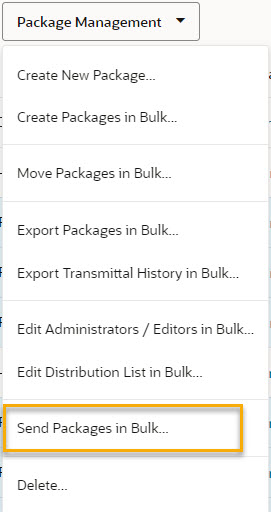
Click Package Management and select Send Packages in Bulk.
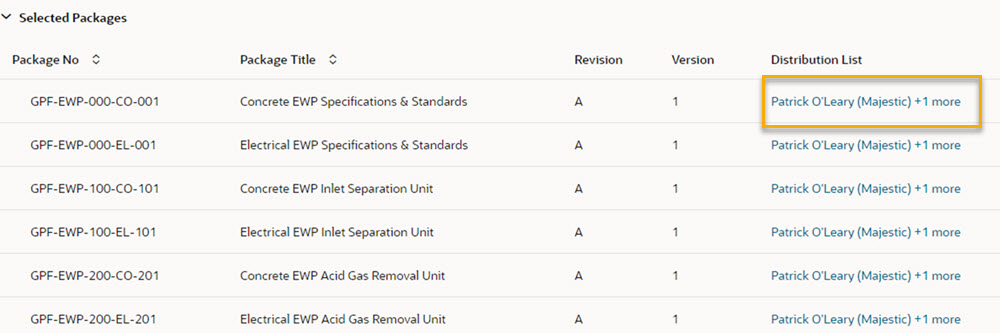
Each package will be sent according to its distribution list. Click on a distribution list for a package to see who will receive it.
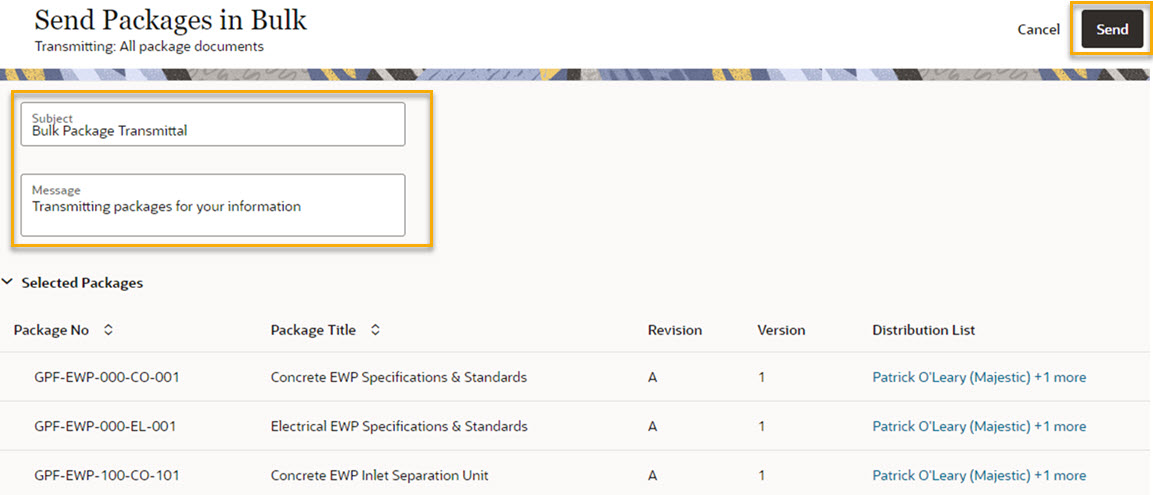
Enter a subject. This field is mandatory and is the subject of the transmittal(s) the recipients will receive.
(Optional) Enter a message that will appear on the transmittal(s).
Click Send.
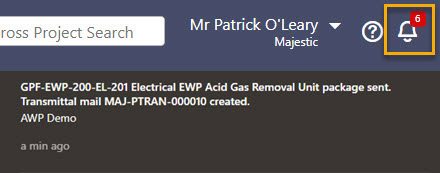
Aconex will generate individual package transmittals for each of the selected packages. When you see a red notification, the transmittal process is complete.
Click the bell icon to view the details of the package transmittal(s).
Tip!
You'll find the package transmittal mails under package transmittal history, or in the sent box in Mail.