Export your Project Settings Report
View your project configuration in Excel
Unavailable on these instances
Export the report
There are two ways to export your project settings:
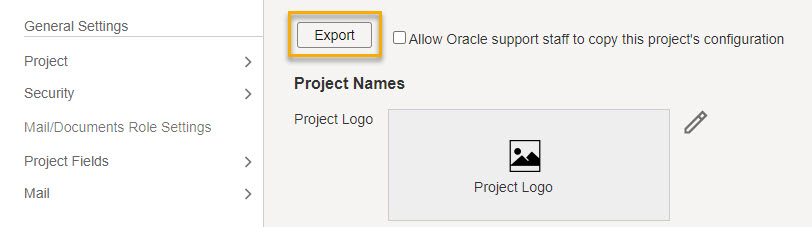
- From Setup > Project Settings click Export at the top of the project details screen.
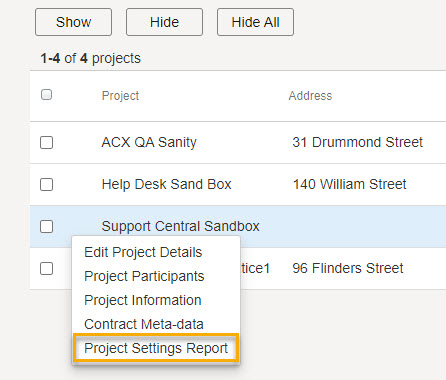
- From Setup > List My Projects, click the more options menu and select Project Settings Report.
Note: Only the project-owning organization for Aconex can export the project settings report.
Understanding field value permissions
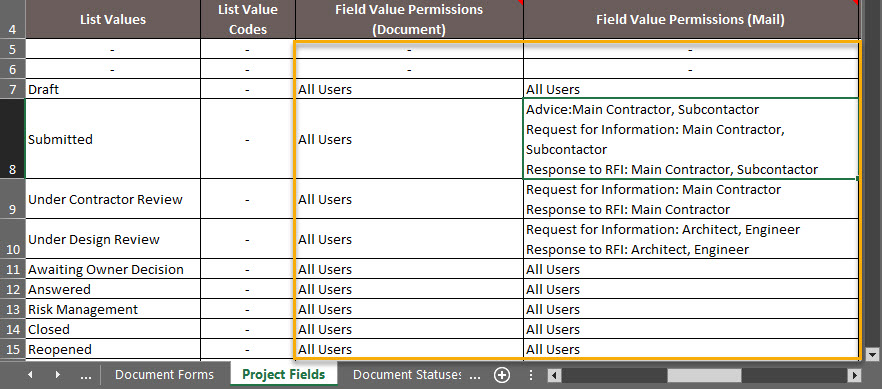
In the Project Fields tab you'll find columns to help you understand where field value permissions have been applied.
- Field Value Permissions (Document): Field value permissions are not supported for document types so this will always display All Users.
- Field Value Permissions (Mail): If value permissions are configured for a field, you'll see the mail type(s) listed where the permissions apply, along with the project role(s) that can select that field value.