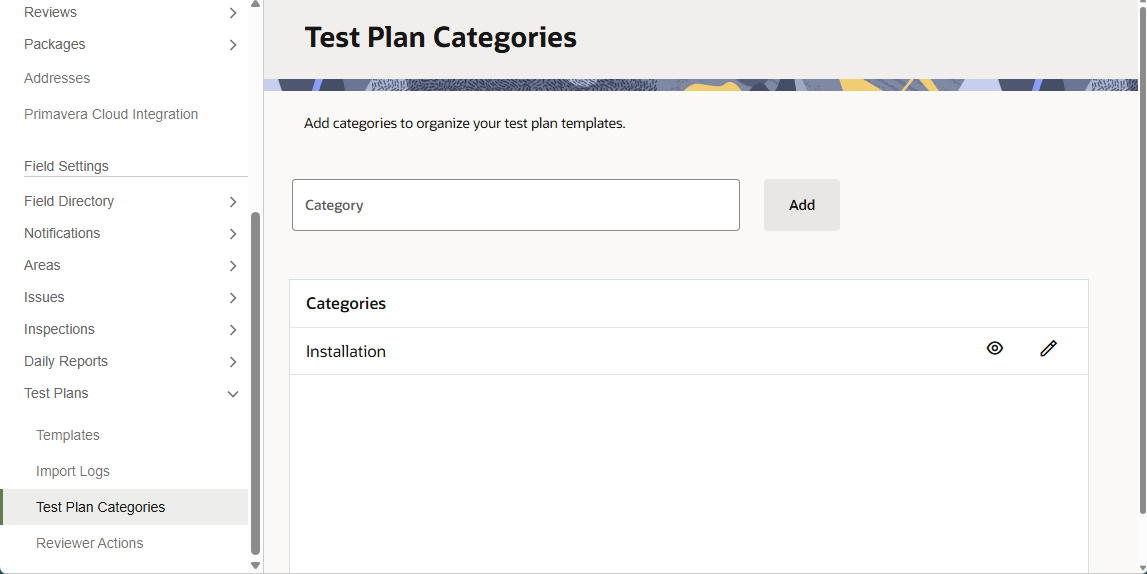
Test plan categories can be added by users from any organization. Once added, they are visible to all organizations on the project.
Categories cannot be deleted, but you can rename or hide them. Once hidden, the category will not be available for use in any future template creation.
From the main navigation menu, click Field and select Settings.
Click Test Plans and select Test Plan Categories.
Type the name of the category and click Add.
(Optional) Click the pencil icon to rename a category.