Support Central
After all activities on a test plan are completed, it needs to be submitted for a final approval and then closure.
After the Manager marks all activities as completed, they can submit the test plan for final approval. Once submitted, the Approver closes the test plan.
A Test Plan goes through the following statuses:
A Manager (or Approver) can filter for all test plans that are Ready to Submit.
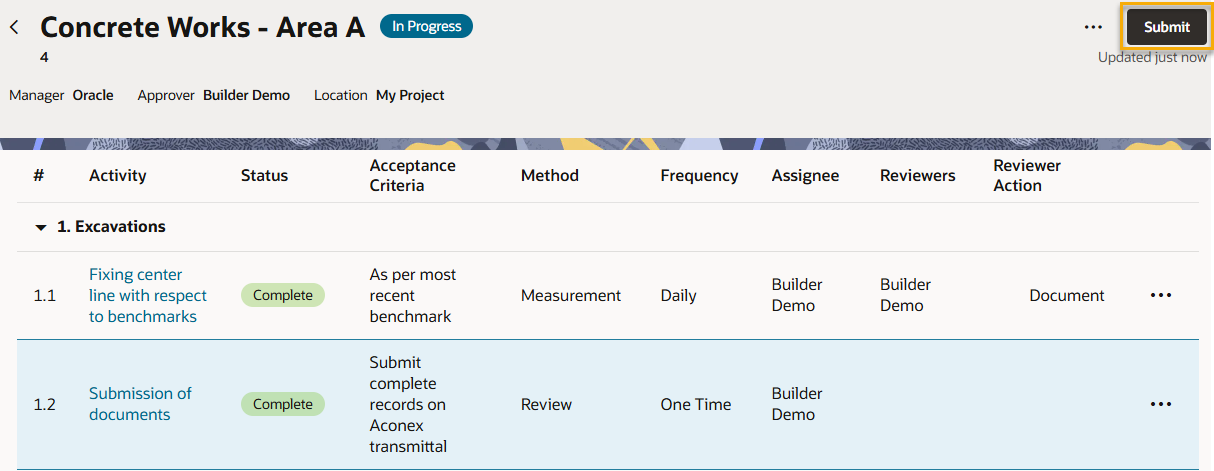
Click Submit from the top of the test plan. The status will change from Ready to Submit to Submitted.
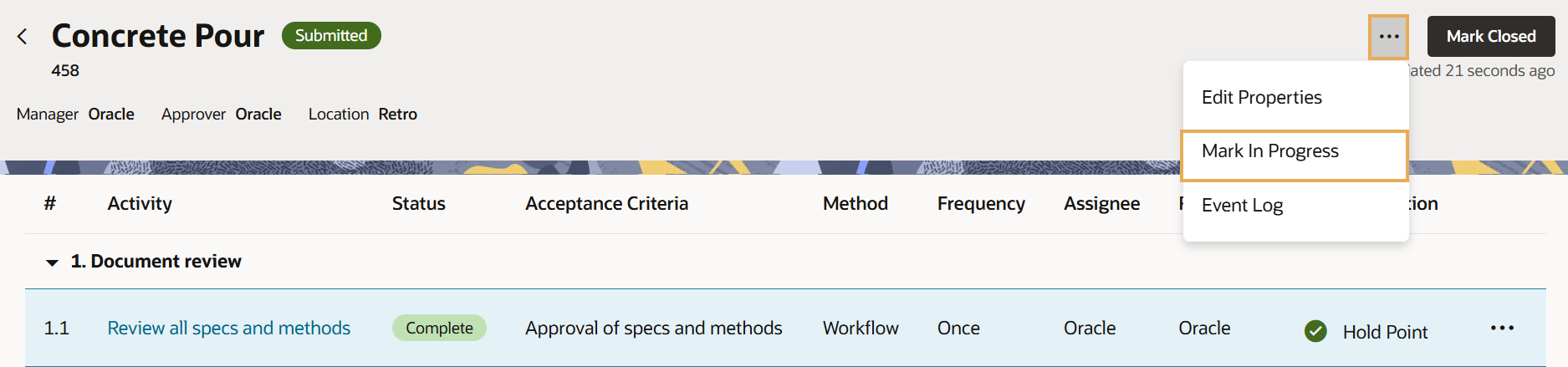
If you submitted the test plan by mistake, or identified additional work to be done, you can withdraw the test plan from approval. The status will change from Submitted to Ready to Submit.
Click the three dots menu and select Withdraw.
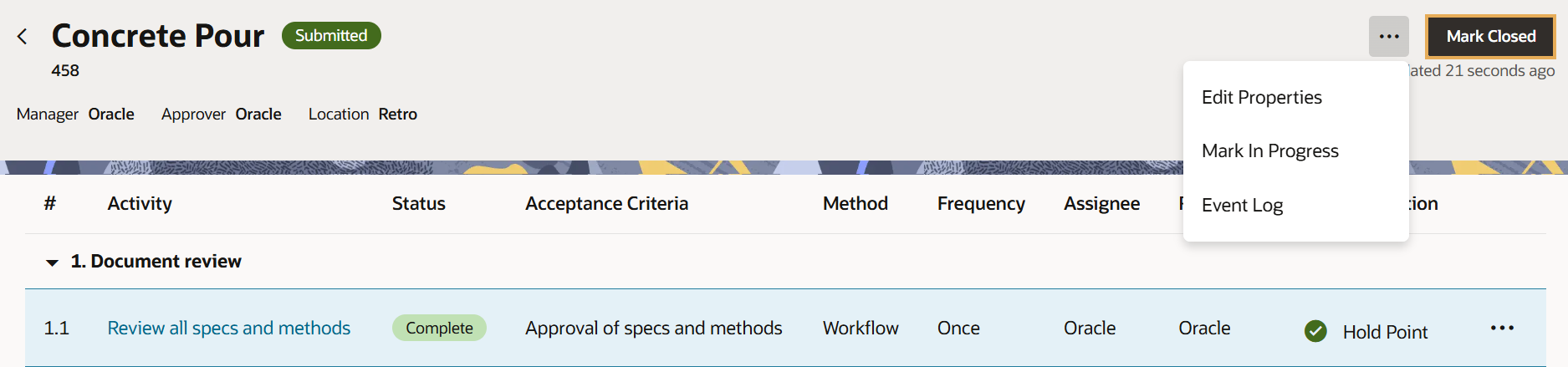
An Approver (or Administrator from the Approver's organization) can close a test plan once it's been submitted.
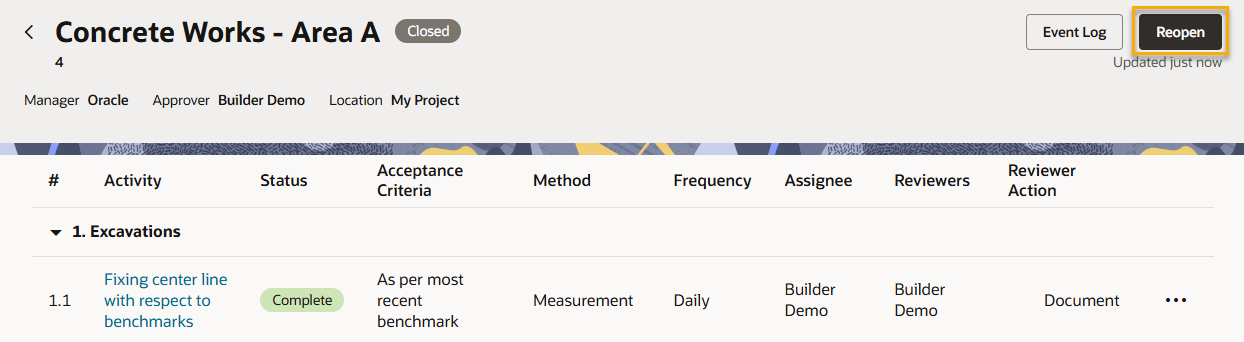
Sometimes an Approver needs to reopen a test plan. This may be due to additional work identified, human error, changes in the activity requirement, or some updates in the prevailing rules and regulations.