Support Central
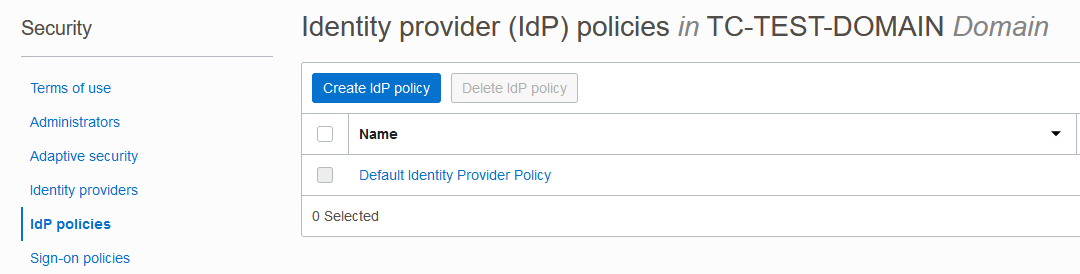
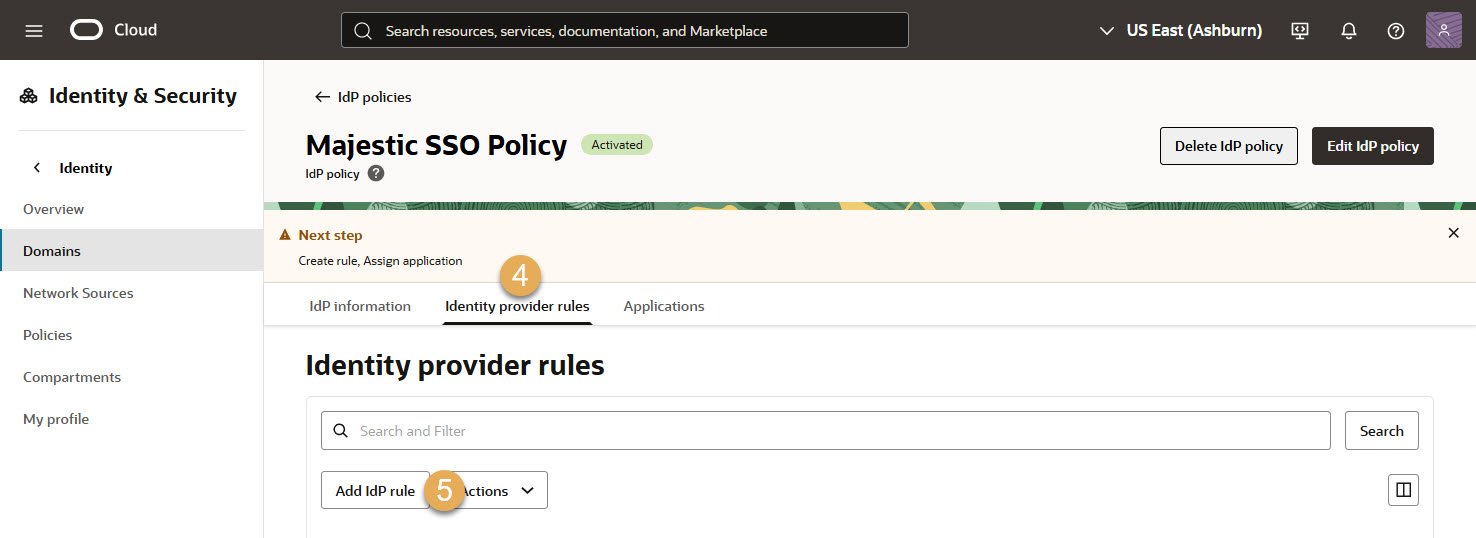
Follow these steps to create an Identity Provider Policy as part of the SSO setup for your organization.
Complete these steps after Oracle confirms the Lobby is configured to use your Identity Domain.
To start this process, you need to be on the Identity Domain details screen in your Oracle Cloud Console. You can follow these steps if you're not sure how to get there.
Note: You will not be able to create an Identity Provider Policy until Oracle confirms the Lobby is configured to use your Identity Domain.
Note: Only complete this step after you have provided the ID for your Identity Domain to Oracle and we confirm the Lobby is configured to use your Identity Domain.
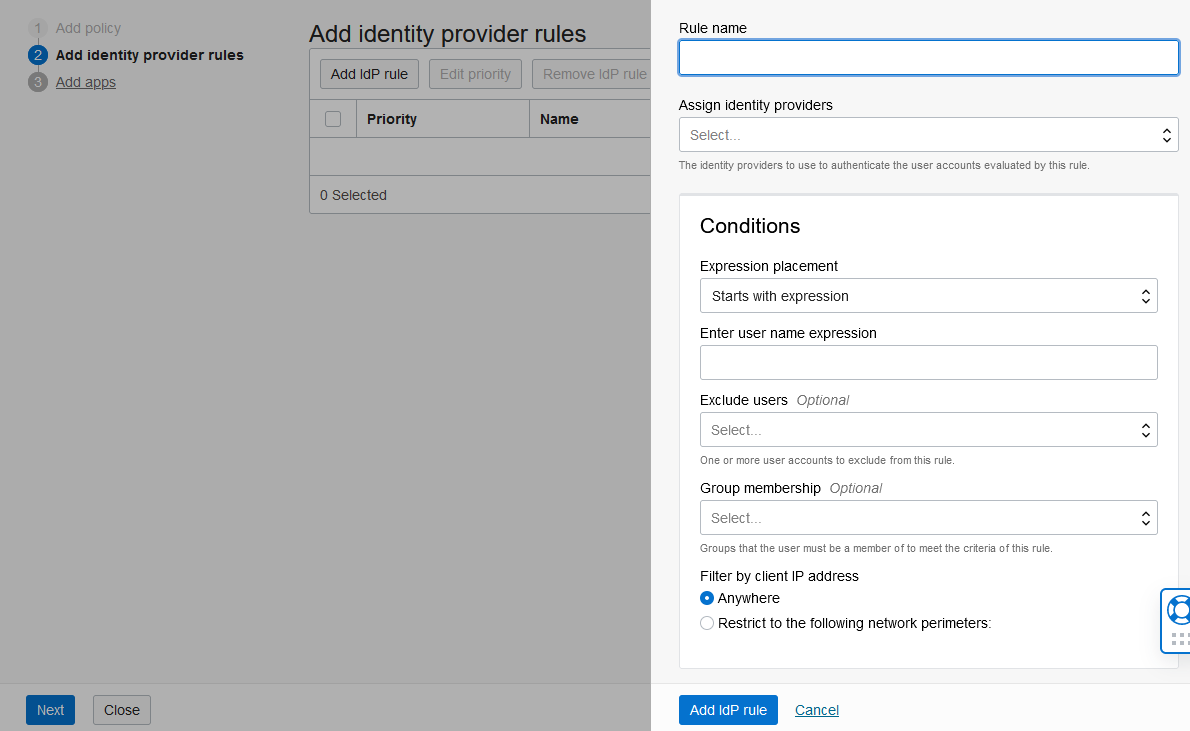
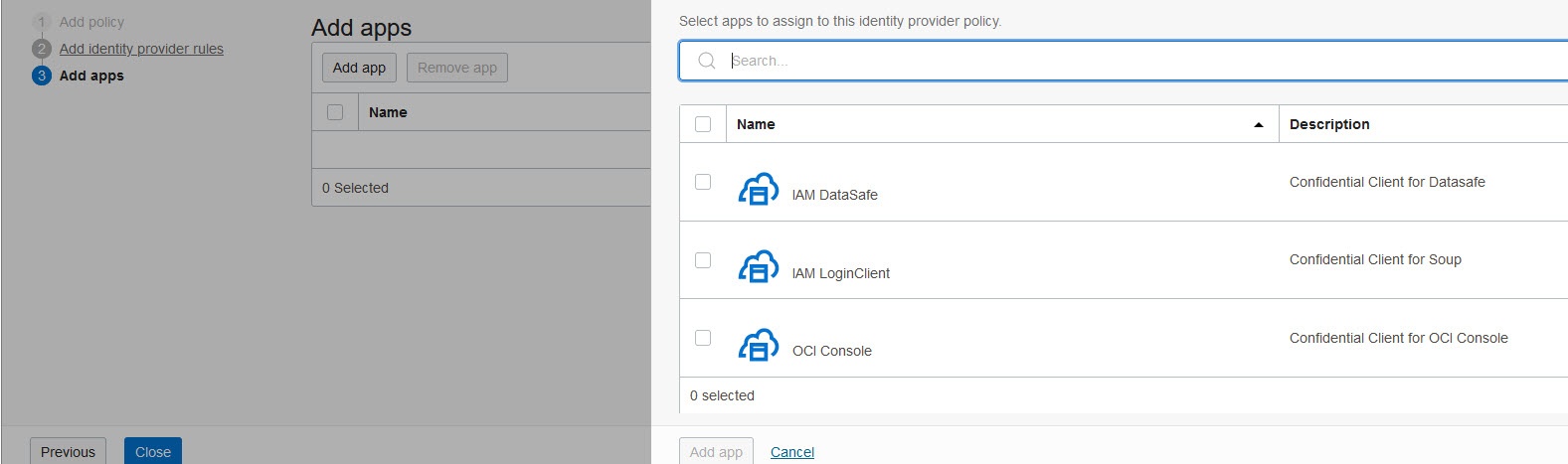
If the Identity Provider you created isn't listed here, ensure your Identity Provider is enabled and try again.