Hero Banner Image

The Roundup featuring releases November 2025 through to March 2026

Welcome to the Roundup for April 2026. In this issue, we revisit releases November 2025 through to March 2026, and highlight some features you may have missed.

Save time with the enhanced upload

  • The new enhanced upload helps you register documents faster with flexible upload templates and pre-filled data.
  • You can use import templates in any available upload flow. For example, if you download a template from the Bulk Processing flow, you can use it in the Update Metadata Only flow. If you upload files we'll pre-fill the metadata template with the filenames for you.
  • Save time updating documents with bulk processing. Select up to 5000 documents from the document register and download a pre-filled template. The template will be populated with all the required metadata for the documents. 
  • Project Admins can choose either a single or multi-sheet metadata template for their project, allowing teams to work with their preferred template.

Coordinate models faster

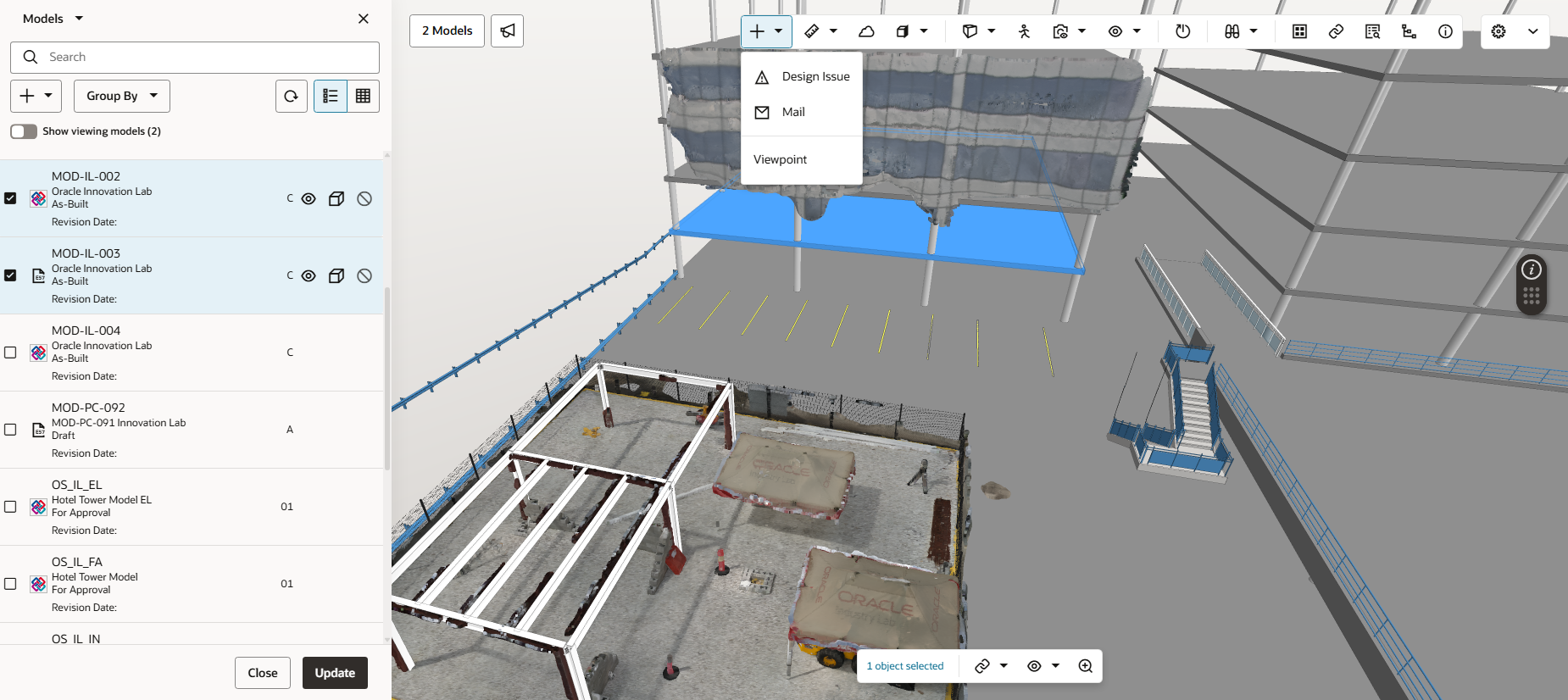
  • Overlay CAD data with the BIM model to work in 2D and 3D simultaneously.
  • Explore .e57 point cloud files to compare the design with actual site conditions during a design validation process. Use the existing alignment tool to line up the point cloud data with the model, helping you to identify defects or clashes.
  • The Selected Objects list helps you create a specific list of objects and their properties. Switch between saved views to easily view and export properties across different objects and models. Set standardized measurement units when exporting object properties to CSV. This helps you avoid manual conversions and reduce errors.

Manage reviews with confidence and control

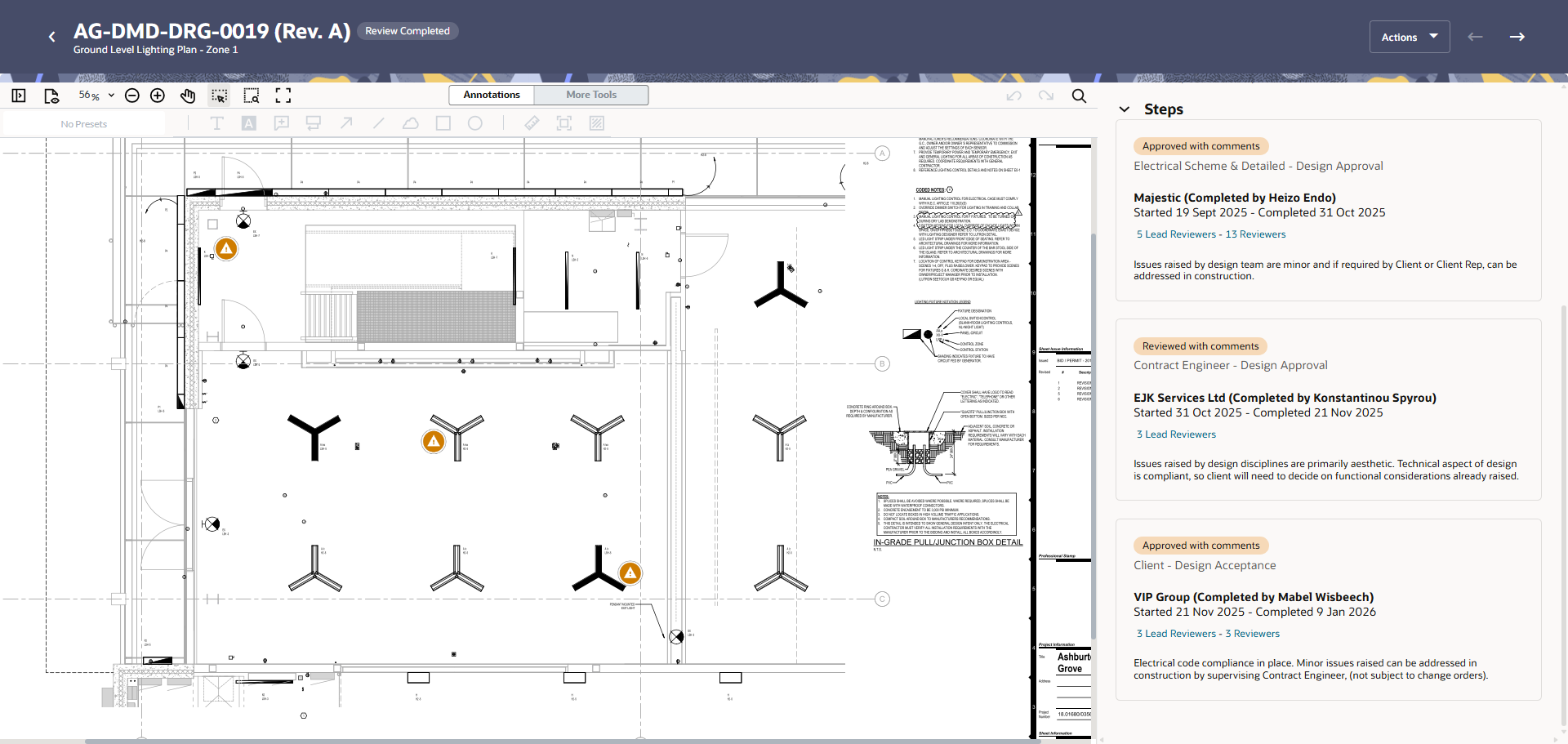
  • Document Processes helps you manage document reviews and track comments across organizations, in real time.
  • Start reviews across multiple disciplines in a single action. Documents are automatically routed to reviewers based on each document's metadata. 
  • Review 2D drawings, 3D models, or office files such as Word, and Excel.
  • Process owners can perform a QA check across multiple documents in a single action, saving you time from opening each deliverable.
  • Reviewers can bring in additional reviewers to collaborate and raise issues.
  • Comments are managed in a central register and carried forward through each review, so nothing gets lost.

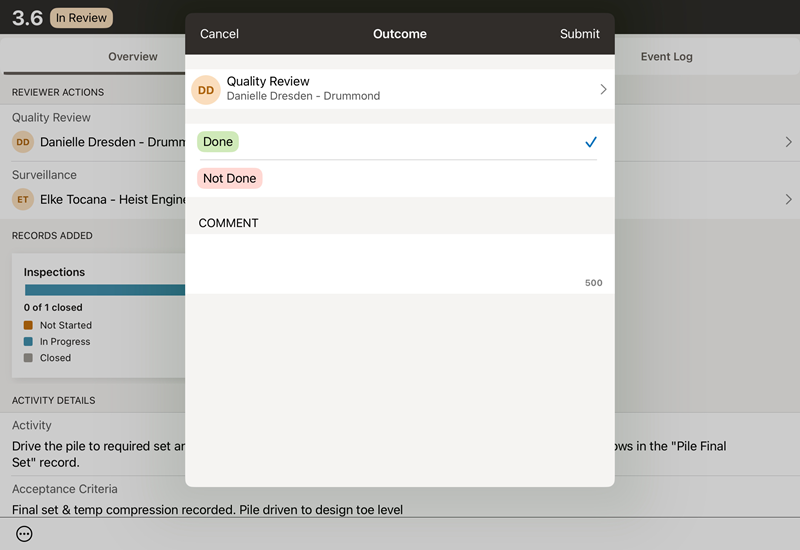
A single, traceable source of truth for inspections and quality

Noteworthy mentions

  • Use Observations to reduce hazards and injuries on your jobsite, while maintaining a permanent record of safety.
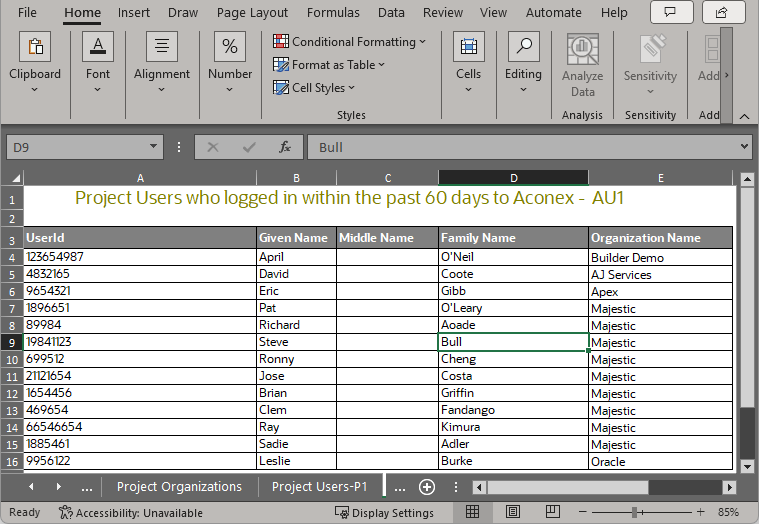
  • The Project Participant Report is available for Org Admins and Project Admins to help manage project participants and identify active users. 
  • Send up to 20 packages in one go. This reduces the amount of time required to send large amounts of packages.
  • Share your mailing groups with all organizations on project. This saves time and helps everyone communicate with the right people on the project. 
  • Add package documents directly to your tenders, saving you time and helping you to attach the correct documents.
  • Configure workflow templates to automatically flatten annotations and stamps at the end of a review.

Catch up on all the details

  • November 2025

    This month, save time updating documents in bulk, save columns for selected objects in Models, attach package documents to a tender, and you'll find improvements in Mail, Document Processes, and Lobby.
  • December 2025

    This month you can share your mailing groups with the entire project, export more records to Excel, get more data in reports, and create a user account faster.
  • January 2026

    This month you'll find more control over permissions in Field, 2D file support in Models, and time saving improvements in issues.
  • February 2026

    This month you'll find a new way to manage document reviews and coordinate comments, an integrated ITP workflow to mitigate risk and ensure quality work, an easy way to track safety and reduce hazards, and reality capture in Models.
  • March 2026

    This month all users will be automatically switched to the new enhanced upload. Plus, there's improvements for upload templates, standardized units for object properties in Models, and a new report to help admins manage project participants.