Documents
Mail
Workflows
Field
Cost
Lobby
Insights
Models
Oracle Aconex Mobile
Packages
Test Plans
Document Processes
Tenders/Bids
Project Archive
Supplier Documents
Handover
Aconex for Outlook
Aconex APIs
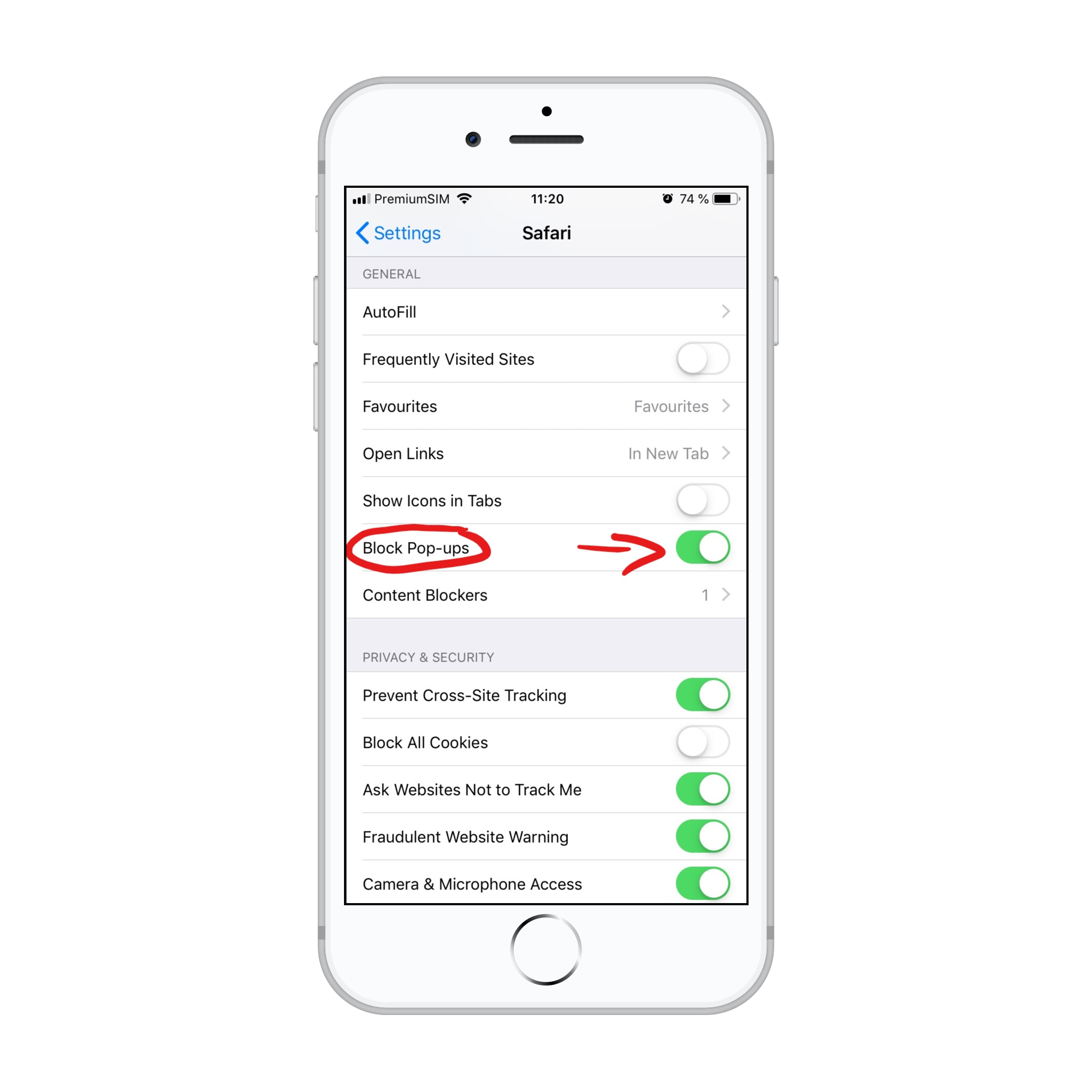
To use conjectPM with your iPhone or iPad you need to disable the pop-up blocker of the Safari browser:

 To use conjectPM with your iPhone or iPad you need to disable the pop-up blocker of the Safari browser:


