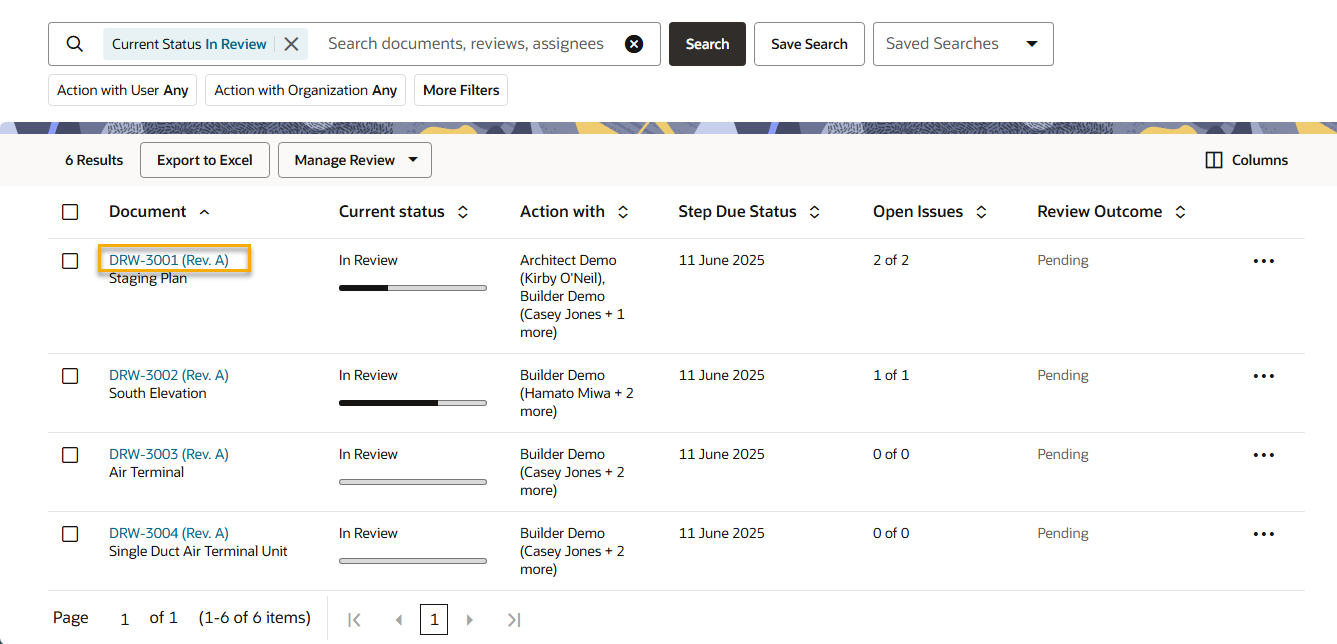
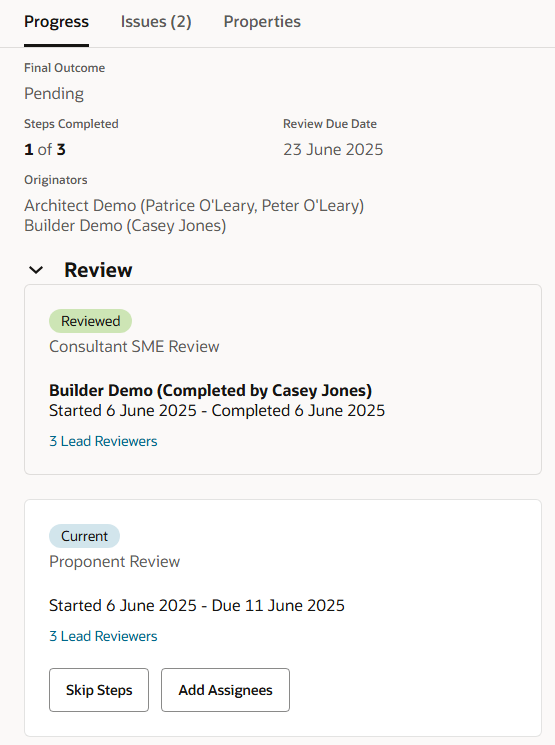
Click the document number to see more details about the review.
Tip!
If you'll use this search regularly click Save search so you can quickly access it. Your keywords, filters and sort order are all remembered in a saved search. A saved search is also handy to produce a regular report.
The Progress tab, shows how many steps remain, along with the history of the completed steps .
The Issues tab shows all feedback and comments raised by reviewers.
The Properties tab shows all details about the document such as the type, discipline, and status.
To see all activity on this review click Actions and then click View Event Log.
Click the arrows at the top to view the next deliverable, or click the back arrow to return to the Deliverables Register.