Documents
Mail
Workflows
Field
Cost
Lobby
Insights
Models
Oracle Aconex Mobile
Packages
Test Plans
Document Processes
Tenders/Bids
Project Archive
Supplier Documents
Handover
Aconex for Outlook
Aconex APIs
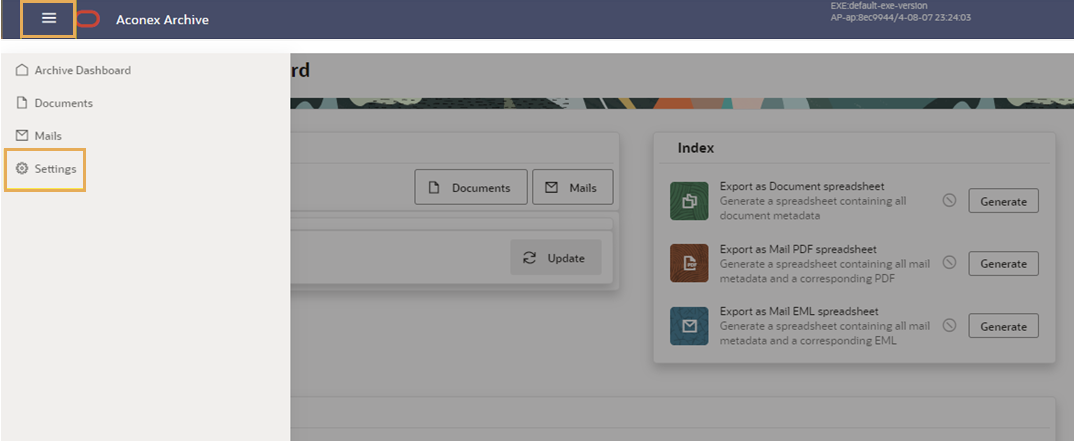
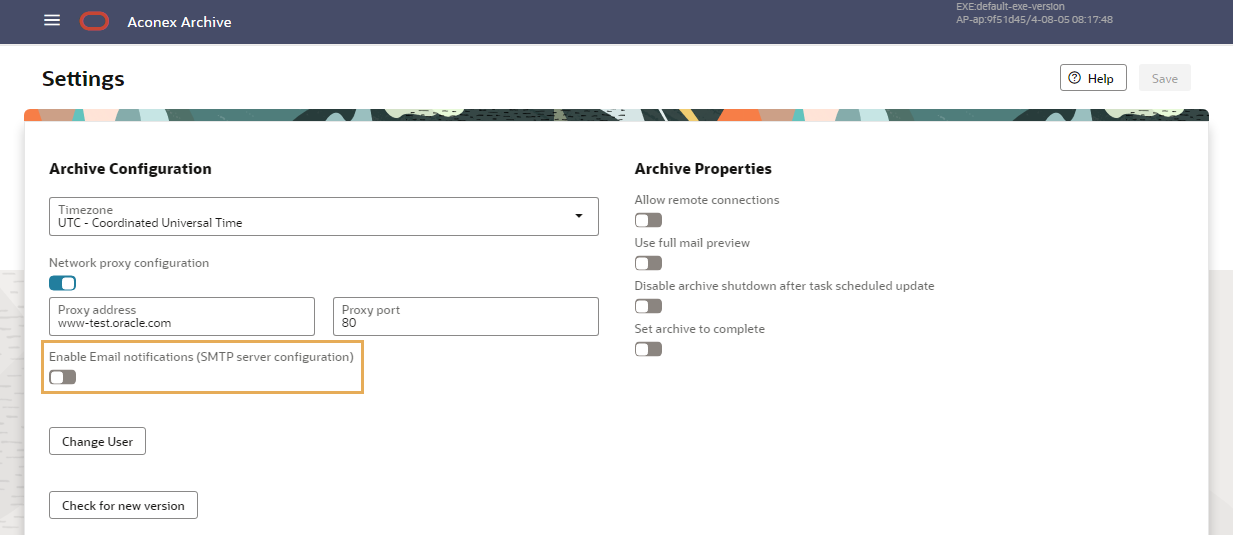
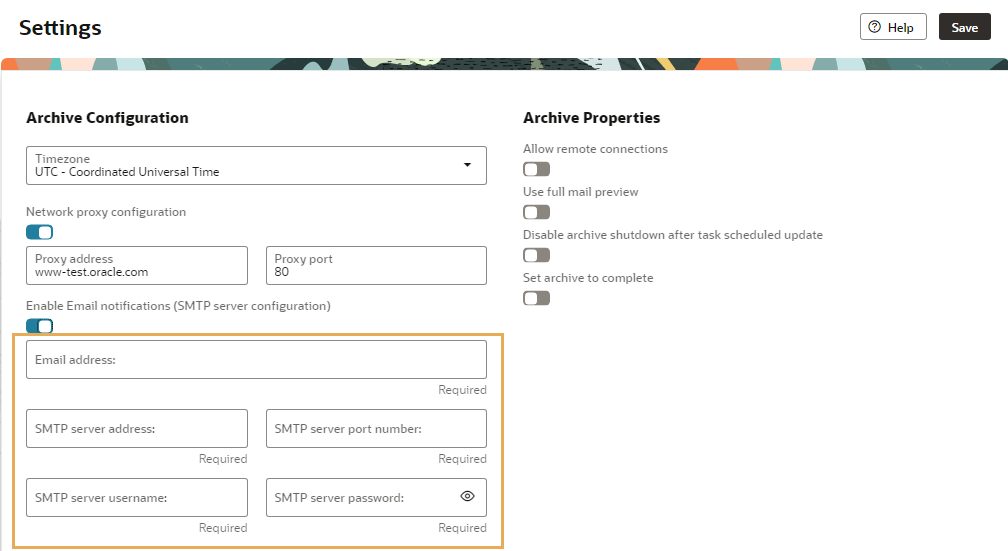
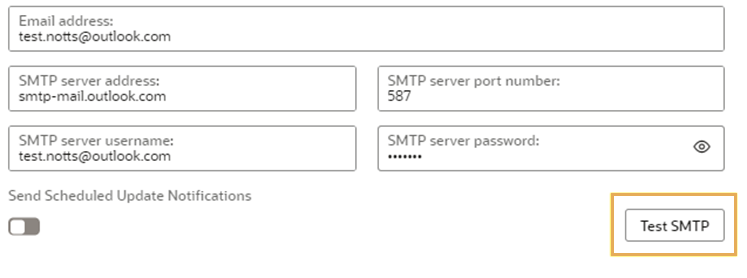
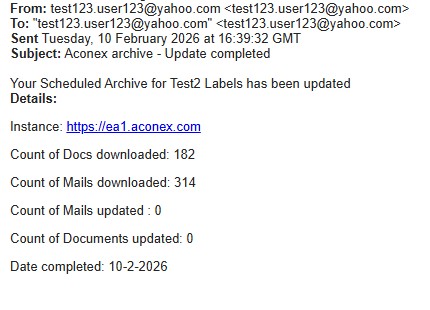
Set or update the email notifications for your Scheduled Archive
If required, you can disable email notifications by re-clicking Enable SMTP email notifications and clicking Save.