Support Central
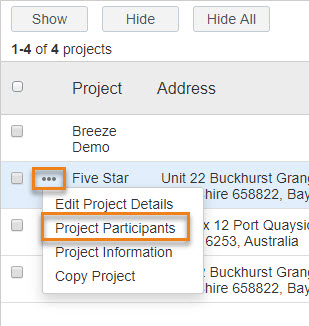
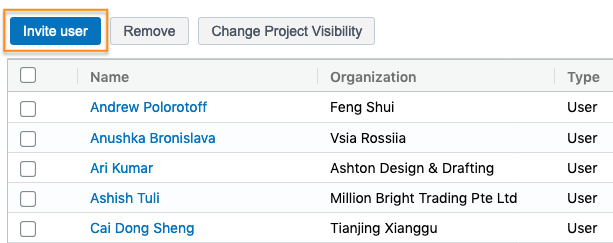
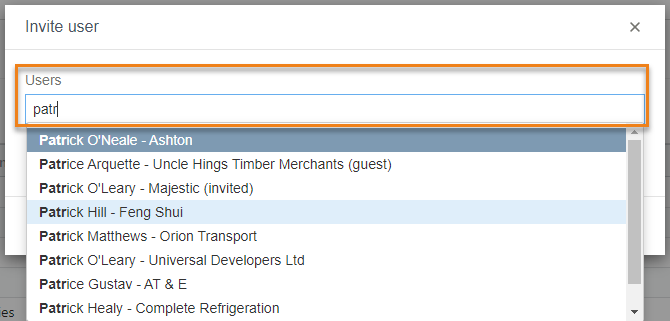
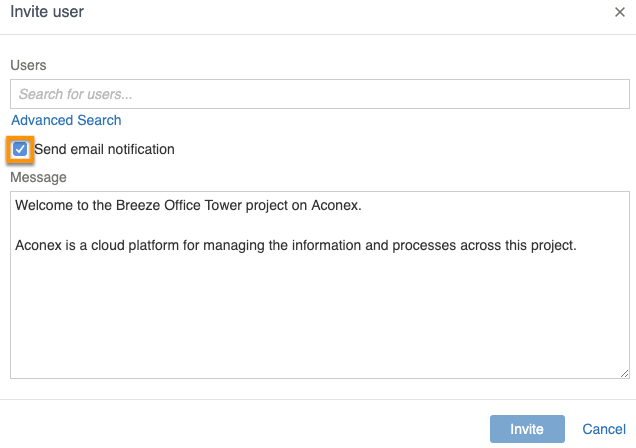
As the Project Administrator of the project-owning organization, you can quickly add users to your project.
If you're a Project Administrator, you can add users to your project and also hide (shadow) users in the project directory. If the project invitation mode is set to Explicit, only a Project Admin can invite users to your project.
If you're not a Project Admin (and the invitation method is not Explicit), you can invite users from the directory.
Before you can invite a user to a project, they’ll first need a user account created by their Organization Administrator.
If your project is on a High Compliance instance, the project invitation mode is set to Explicit. This means only a Project Admin can add users to the project.
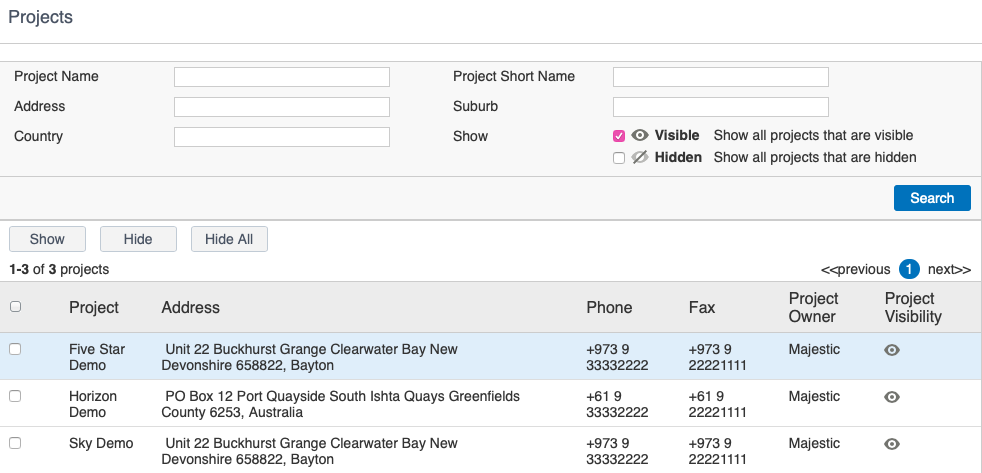
If you don't see all your projects you may need to unhide them.