Support Central
You can download reports in a variety of formats and then share them as required.
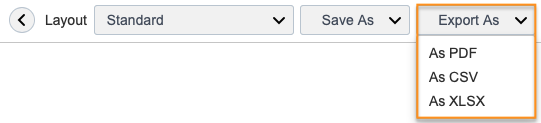
Exporting is done in two steps. First select Export As, then choose one of the following formats:
You'll see a message confirming your report is generating.
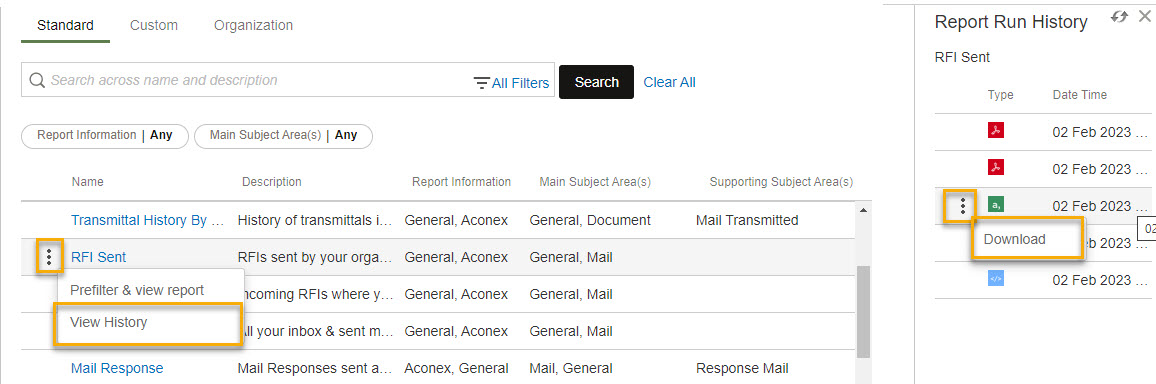
Download your report to your computer from Report History.