Support Central
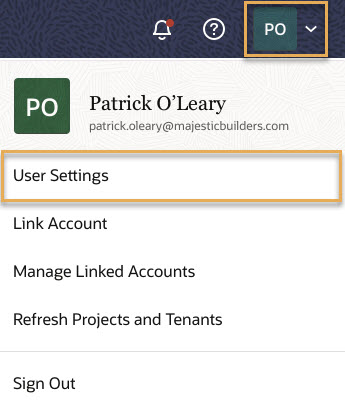
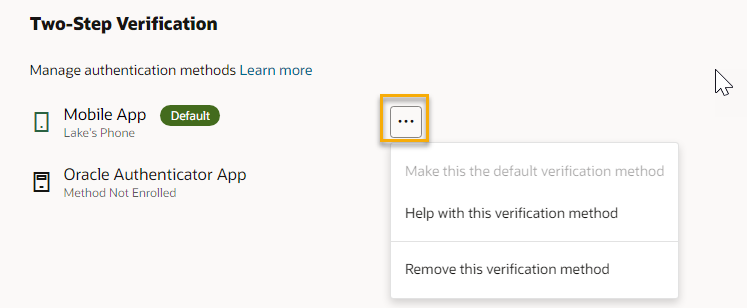
Follow these steps if you no longer want to be asked to enter a code when you sign in.
Note: If you've linked Aconex accounts that require two-step verification, this action will prevent you from accessing projects on those accounts. Learn more about 2SV for Aconex accounts.
If you're a Lobby Admin and you need to reset 2SV for a Lobby account, follow the steps here.