Print your mail as it appears on-screen or without attributes or status details.
Tip!
If you need to print or export mail in bulk, you can attach up to 100 mails to a package, then export the package. The attached mails are exported as separate PDF files.
Select Mail/Inbox.
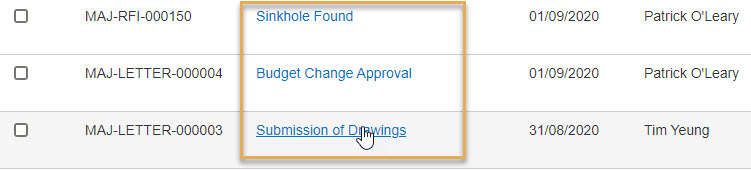
Open a mail by clicking on its Subject line.
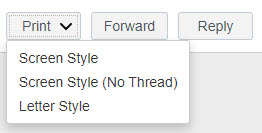
Click on the Print button and select:
Screen Style – this prints the mail how it is shown on-screen, and includes some details about other mails in the thread at the top. The To details only show the initial recipient.
Screen Style(no thread) – this is the same as Screen Style, but without the thread details.
Letter Style – this is the same as Screen Style, but without the thread details and information such as Attributes, Status, or Reference. The To details are shown in full.