Close an inspection on Mobile
Change an inspection status to closed after it's been completed
Tip!
You cannot reopen an inspection if it belongs to a submitted or closed test plan. You can find the associated test plan from the Listed In field in the inspection details.
-
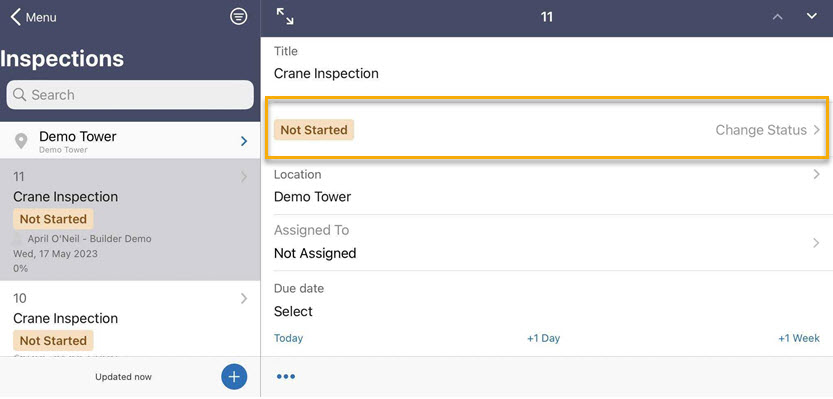
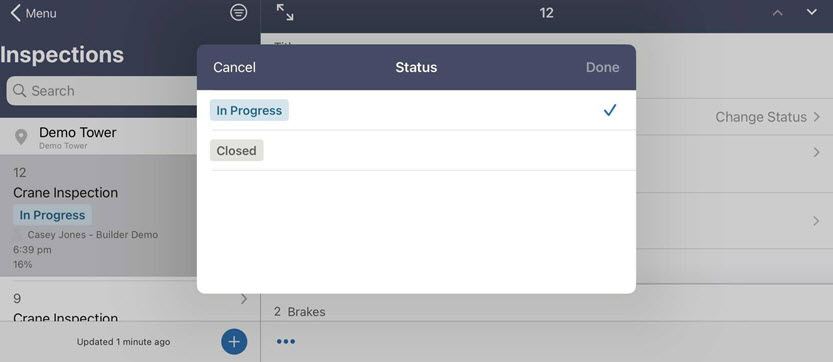
Tap on the status row to change the status and close out an inspection.