Support Central
This article introduces the basics of working with documents in Aconex for Mobile.
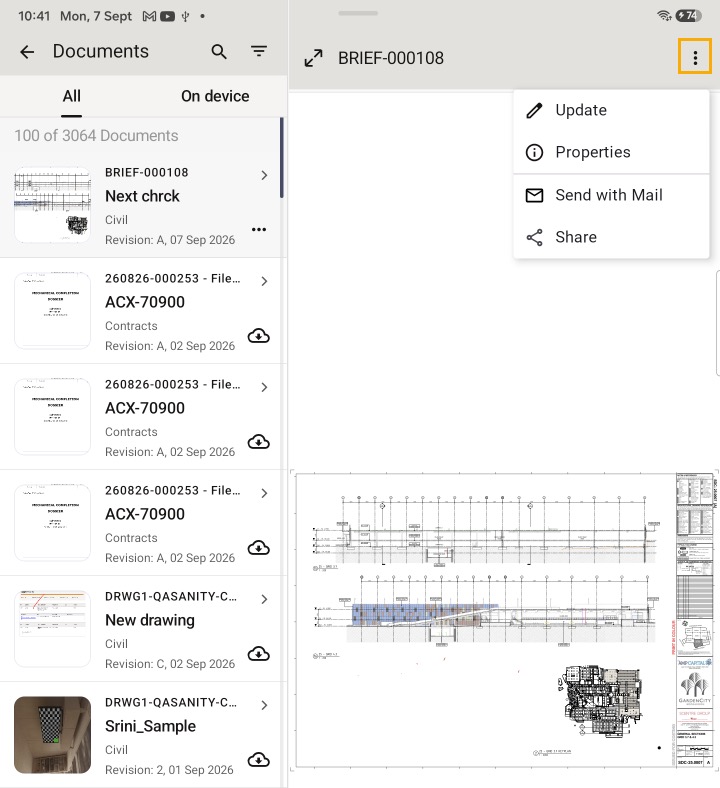
Next to the preview of each document you’ll see the:
The tools available once you selected a document are used to:
You can also:
If the tool bar is in the way when you zoom in, you can move it to the either side of your screen, or tap the icon at the bottom of the toolbar to make it smaller.
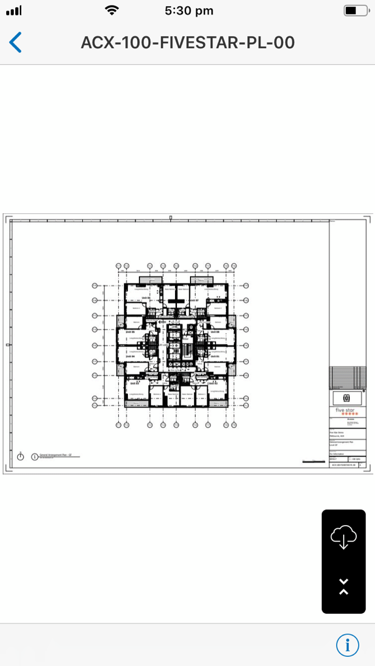
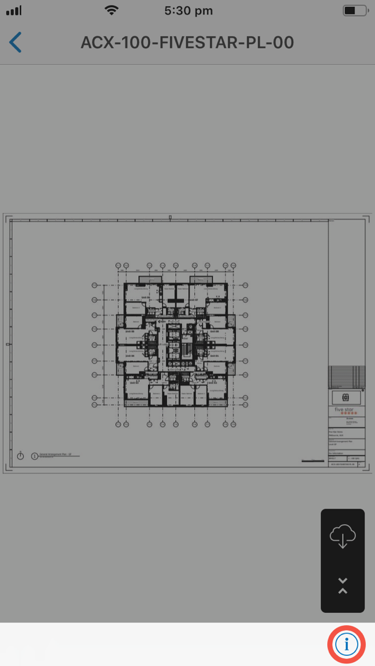
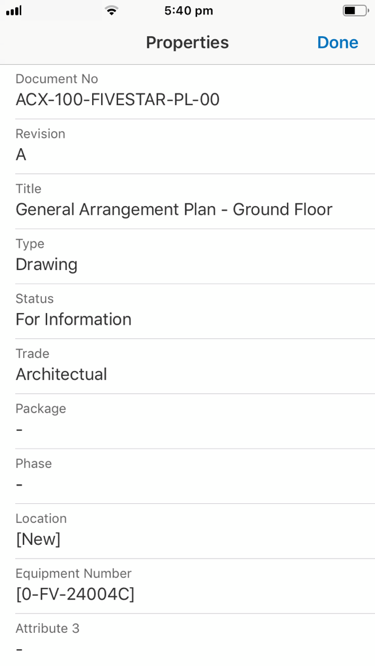
To see a document's properties: