Documents
Mail
Workflows
Field
Cost
Lobby
Insights
Models
Oracle Aconex Mobile
Packages
Test Plans
Document Processes
Tenders/Bids
Project Archive
Supplier Documents
Handover
Aconex for Outlook
Aconex APIs
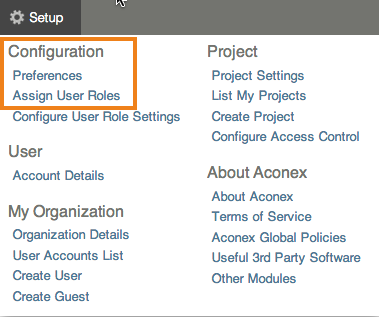
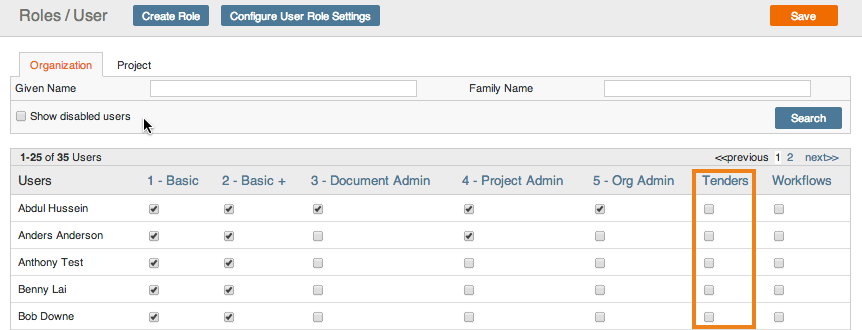
As the Org Admin you can assign, or remove, the Tenders user role to users. This allows them to create Tenders invitations.
Make sure you've created the user role first. You can also modify an existing user role.