Documents
Mail
Workflows
Field
Cost
Lobby
Insights
Models
Oracle Aconex Mobile
Packages
Test Plans
Document Processes
Tenders/Bids
Project Archive
Supplier Documents
Handover
Aconex for Outlook
Aconex APIs
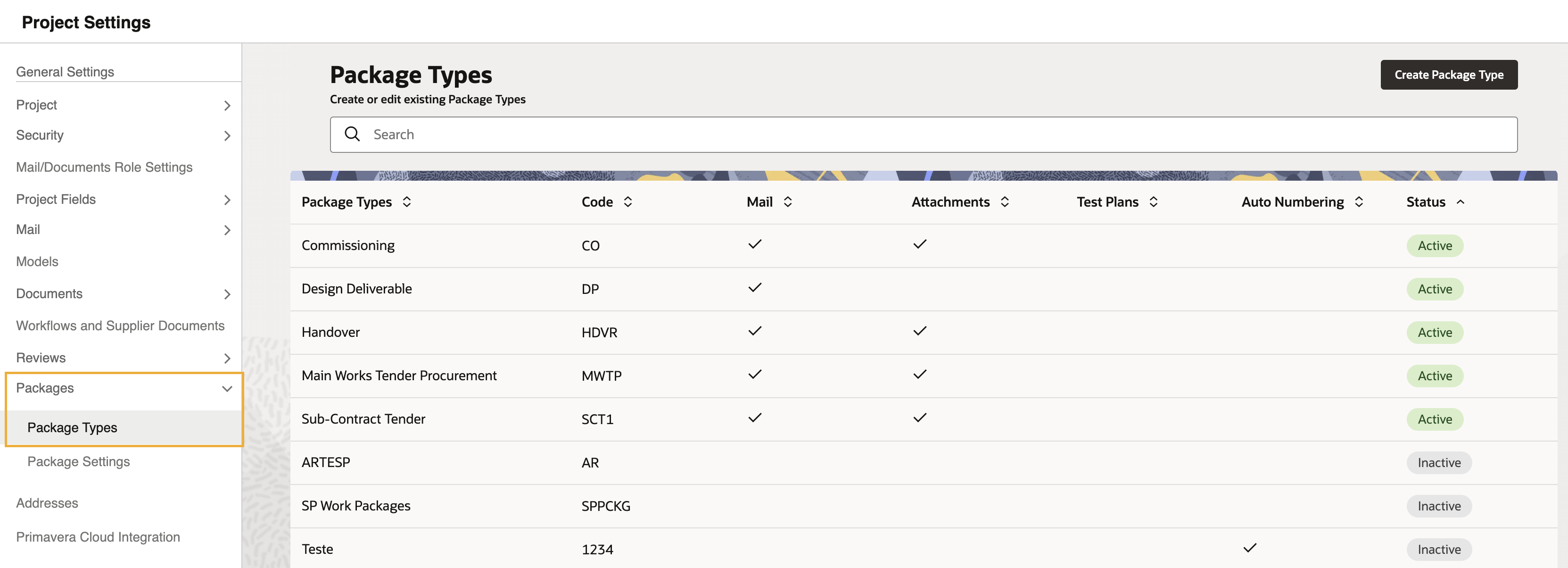
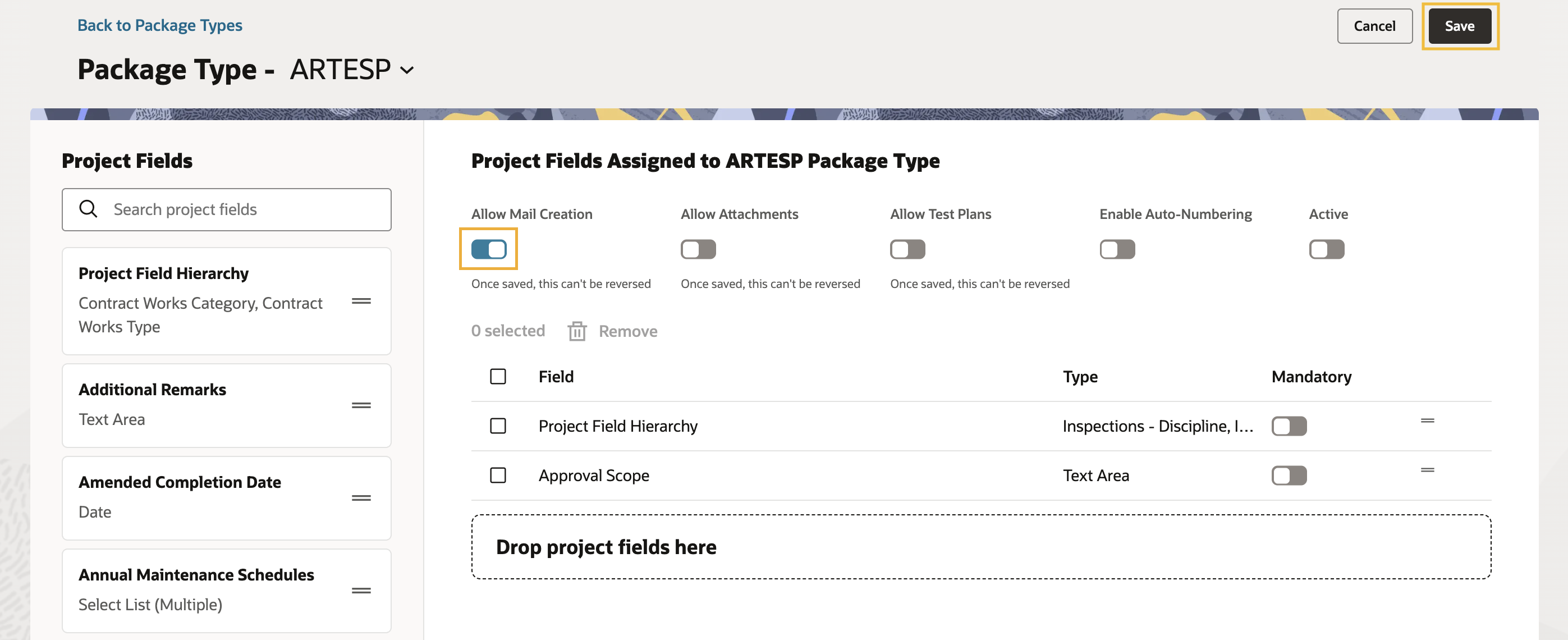
Edit a package type so that package administrators and editors can create and send mail from a package.
This process should be run by a Packages Administrator.