
Support Central
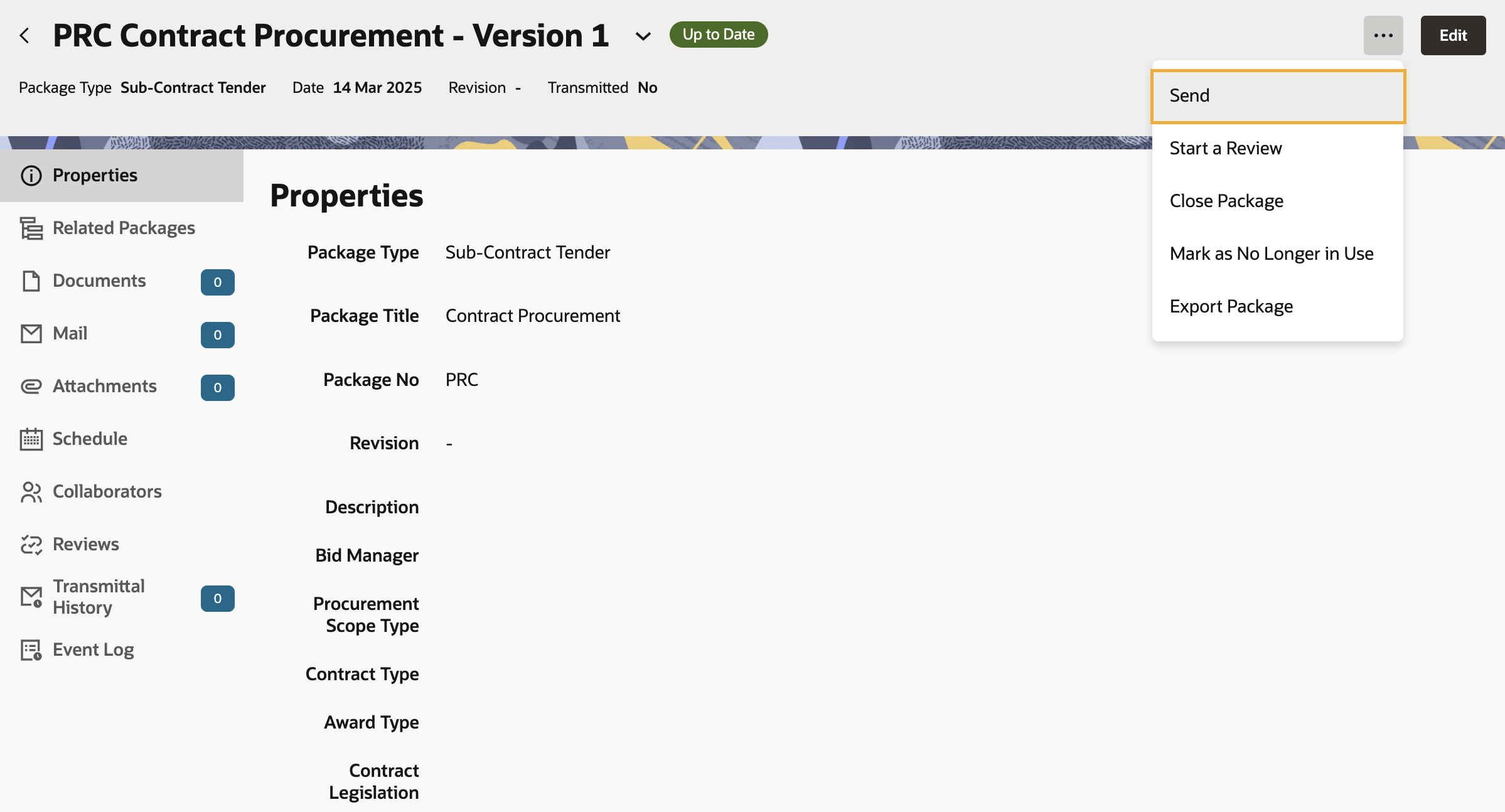
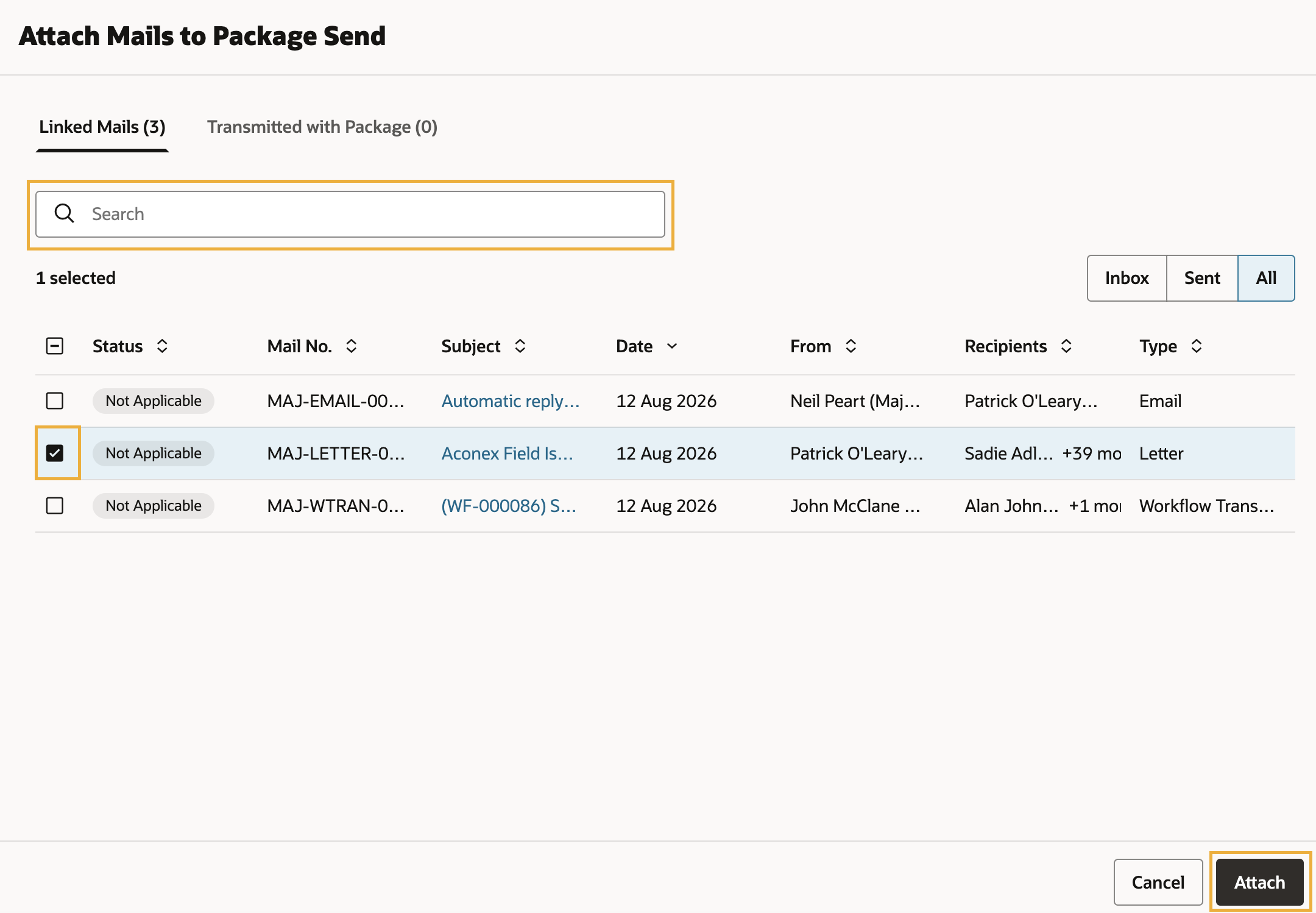
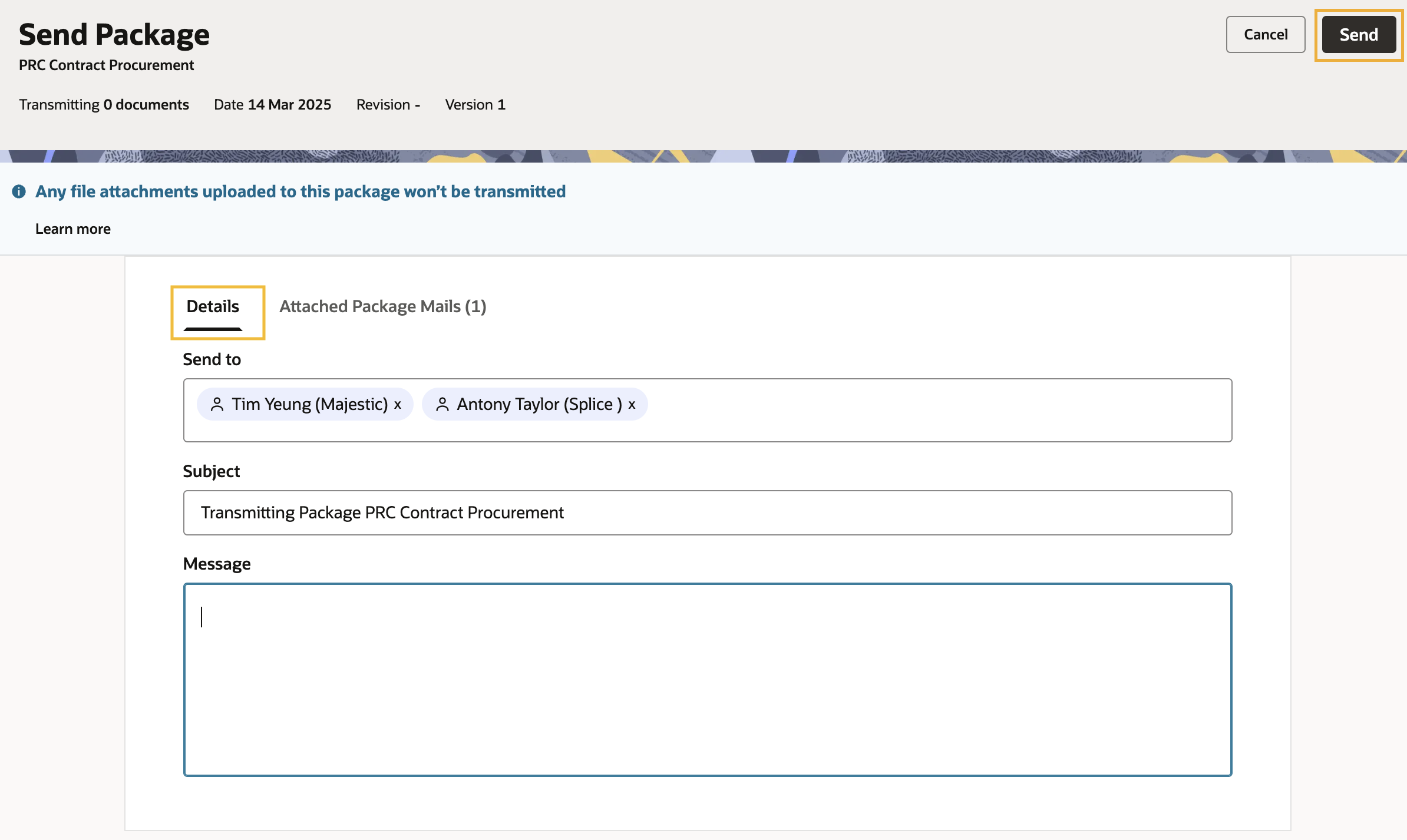
Follow this process for attaching mail to packages you want to transmit.
In some cases, mail contained in a package can provide evidence of project activities. If you want other organizations to have access to it, you can send it to them by attaching it to the transmittal. Anyone who can send packages can attach mail in this way.

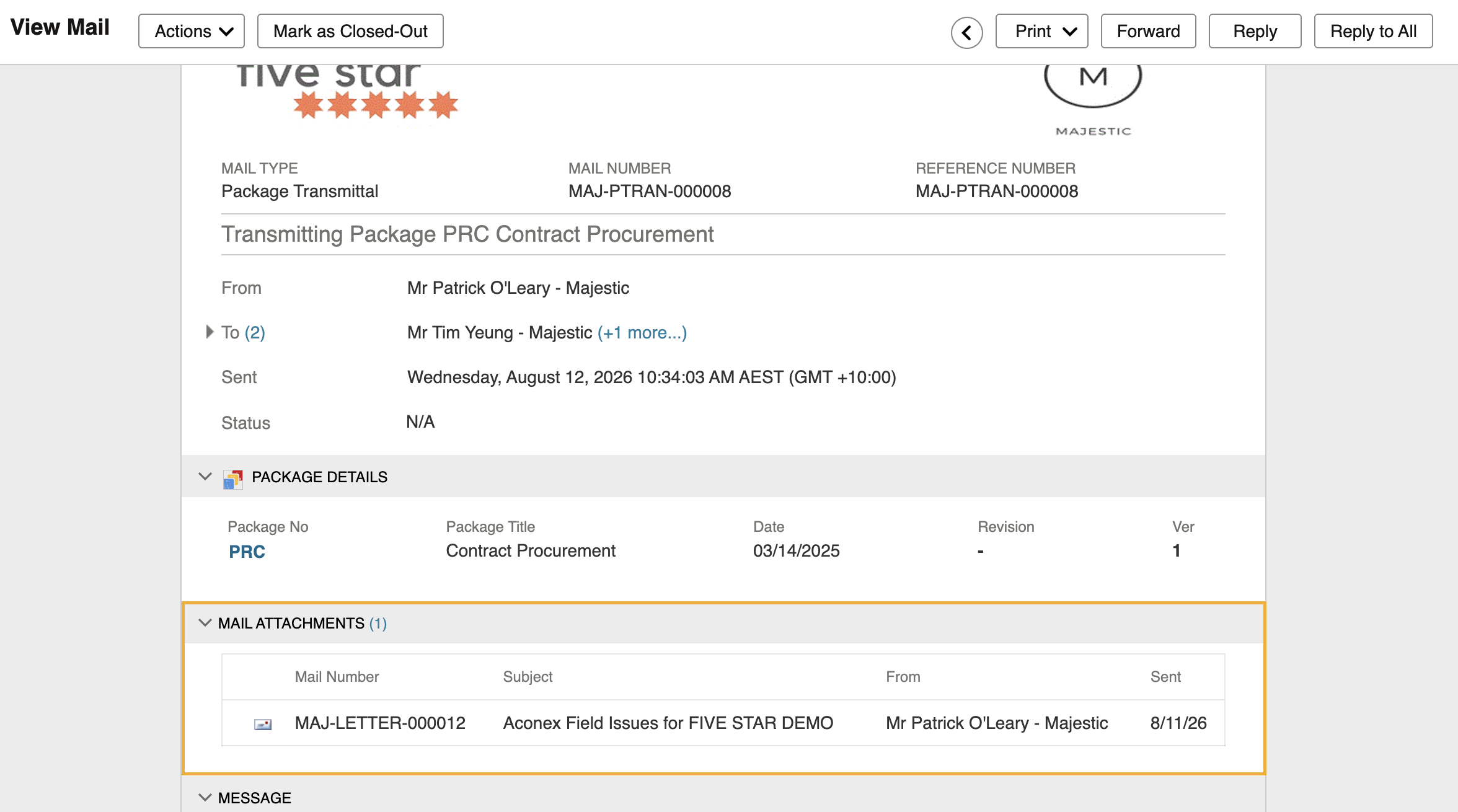
The recipient(s) can open the attached mail from the Mail Attachments section of the package transmittal.
Recipients can also view attached mails from the Transmitted with Package tab within the Package Mail. This area lists all mail that was attached to that package by the sender.
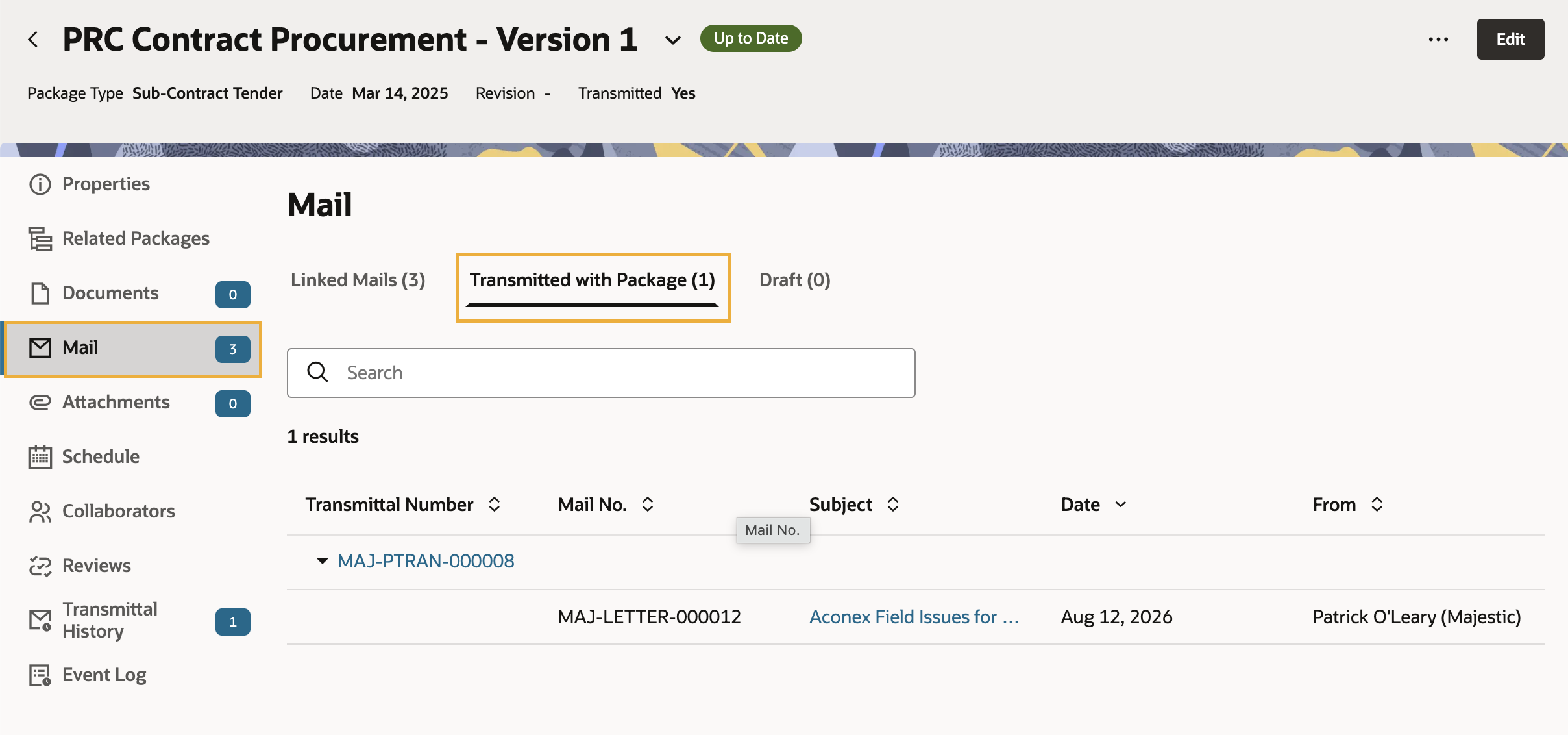
The Transmitted with Package tab only shows mail you have received on a package transmittal. It does not display mail that was attached and sent by your organization.



