
Support Central
Learn how to add, download, share and delete non-controlled files in bulk to your package, without registering them in the Document Register.
The Attachments functionality allows you to easily drag and drop non-controlled files, such as delivery dockets or site photographs, to your package, without having to register them through the Document Register. You can also download, share, unshare and delete files either singularly or in bulk.
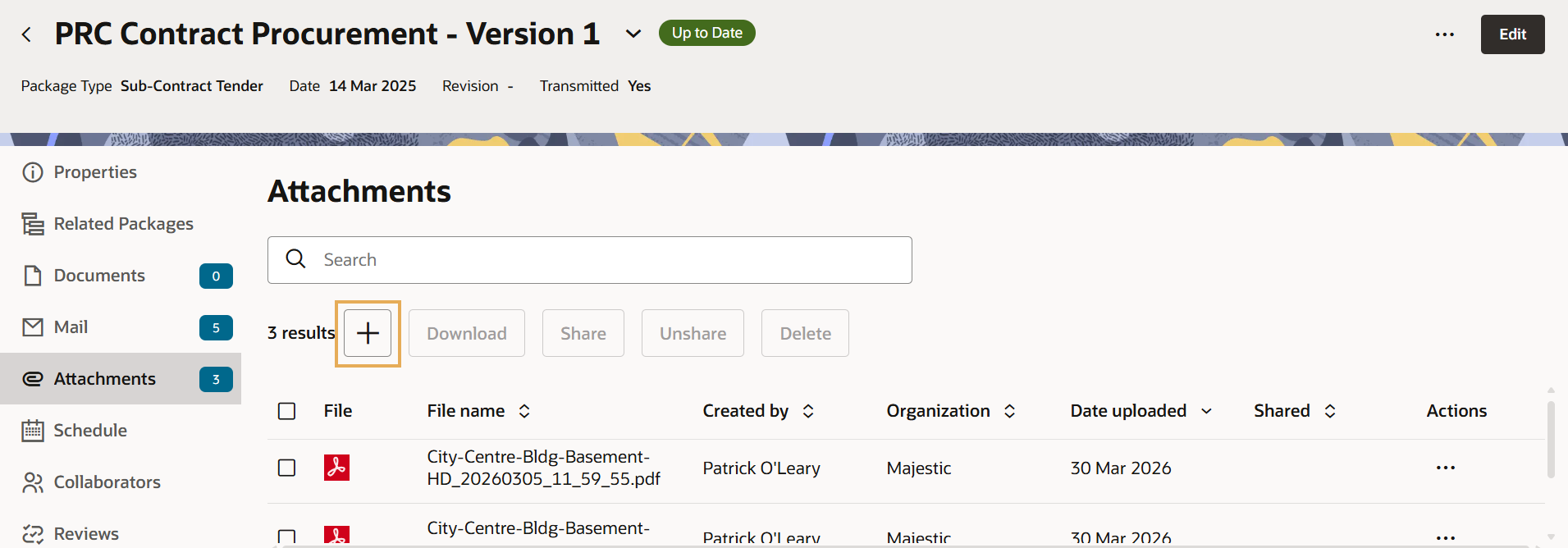

To manage files individually or in bulk, select one or more attachments using the checkboxes. The action toolbar will become active at the top of the list, allowing you to:
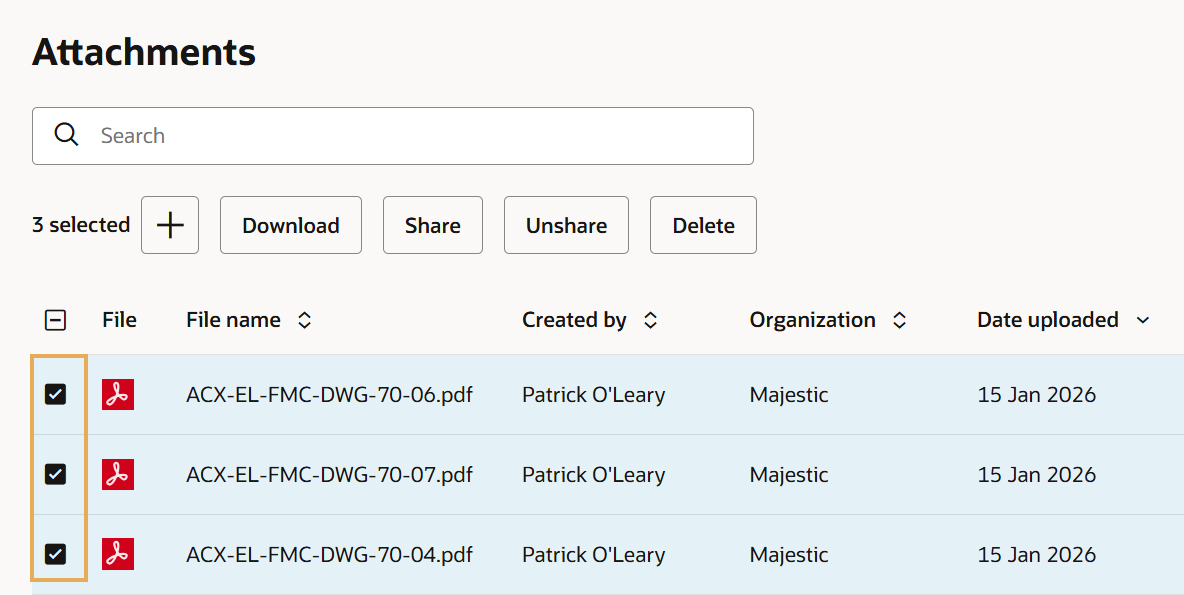
Attachments are only visible to your organization and are not part of Package Transmittals.



