
Support Central
As the project owner you can decide which mail types are available for organizations on your project.
Project roles ensure each organization can only use types and statuses that are specific to their job. This means they cannot accidentally use the wrong mail, document, or package type when creating information.
Users may be able to manage their own mail types but you can prevent them from changing this setting.
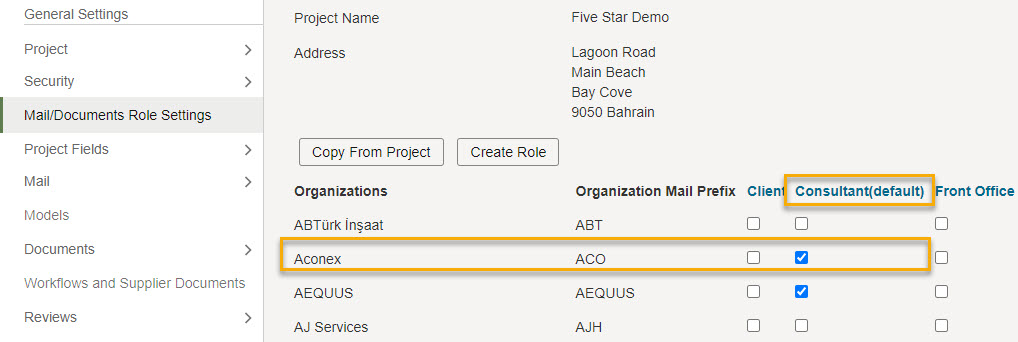
In this example, we want to give more mail types to the Architect so we've clicked the Consultant role.
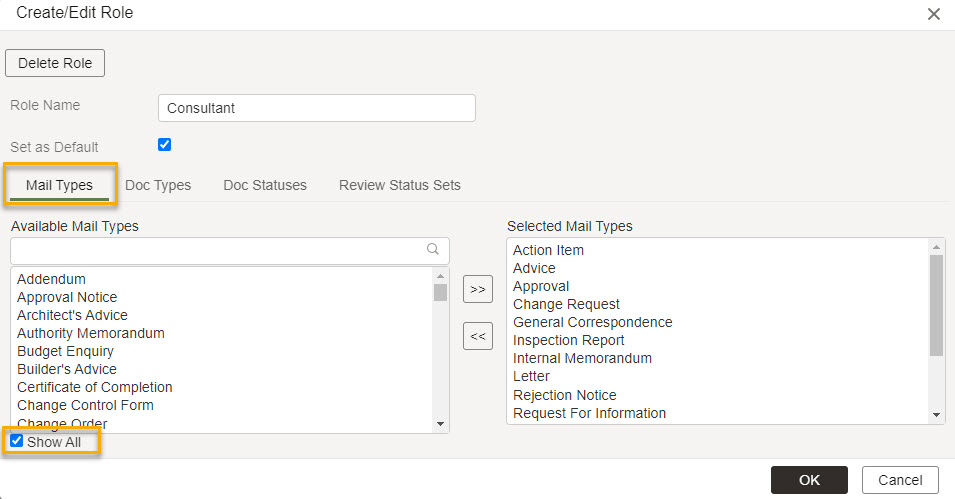
Find the mail type you want to add, and click on it in the list.
Click the right-pointing arrows to add the mail type to the role.
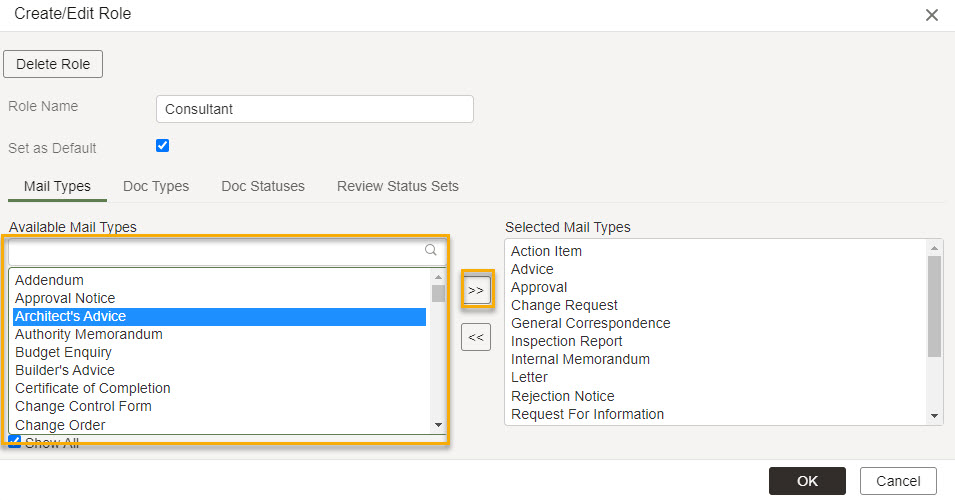
Click OK to save your changes. The mail type will now be available to use for organizations assigned to that role.



