Support Central
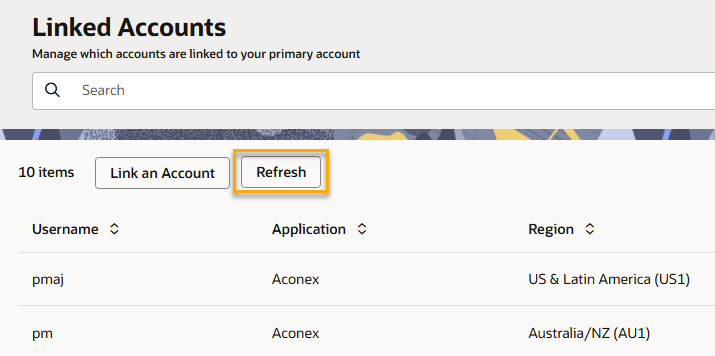
Link all your Aconex accounts to your Lobby account, and access them all from one place.
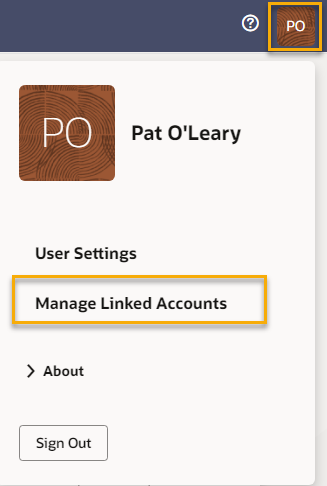
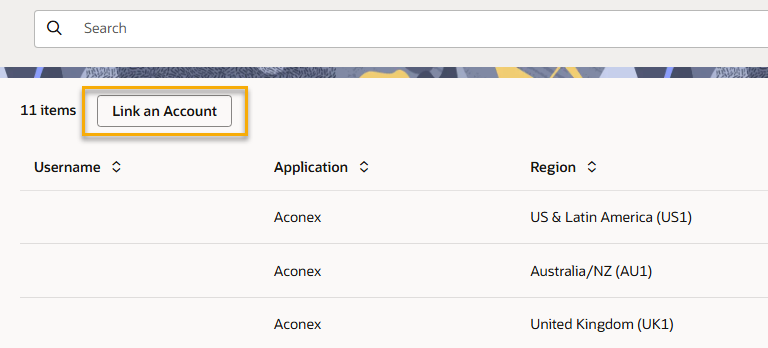
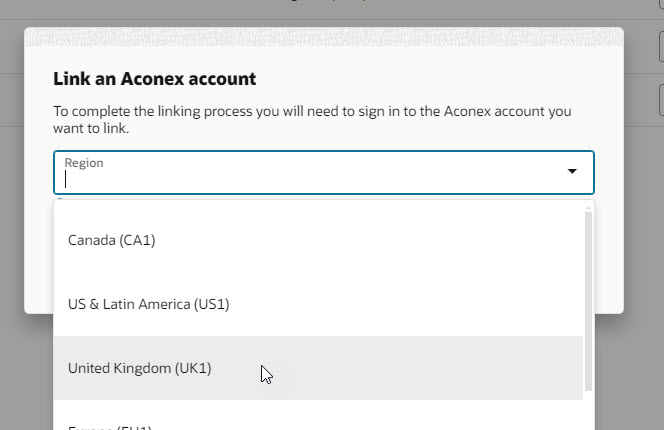
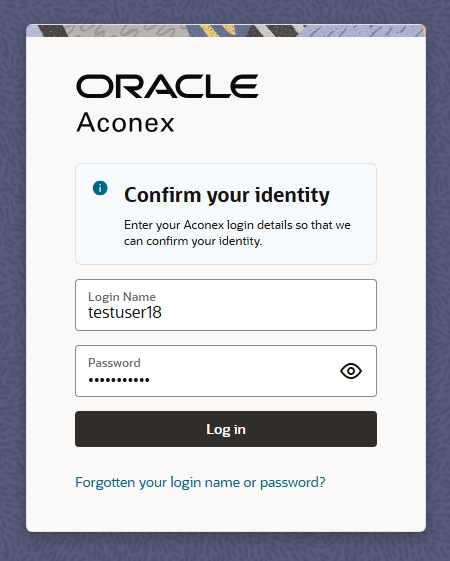
Follow these steps to link an Aconex account to your Lobby account. You'll need to sign into the Lobby to begin this process. You can find the Lobby sign-in screen here. Alternatively your Org Admin can link the account(s) for you.
If you log in to Aconex with an Aconex username and password, you will be guided to create a new Lobby account or link your Aconex account to an existing Lobby account.
The AU2 and High Compliance instances have different Lobby URLs. Check the Lobby and Aconex links for your instance to ensure you sign in to the correct Lobby.