
Support Central
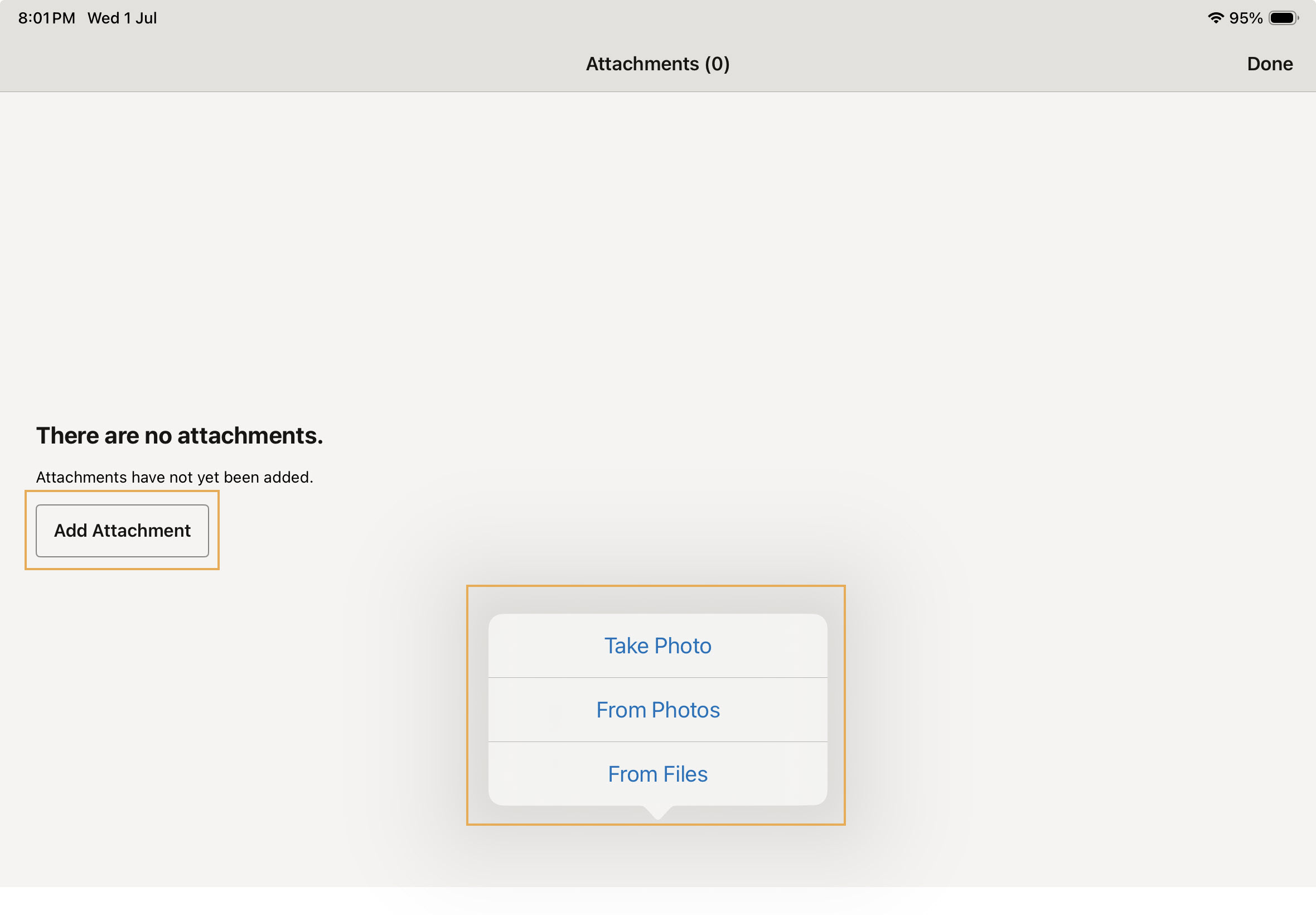
Attach images and files to record the progress of issues from capture to completion.
Along with photos, you can attach video, audio, PDFs, and other files to your issues.
Note that you will be asked to allow access to your photo library, camera and location to capture and attach images.
When you capture an issue, add photos to record the problem.
Annotate a newly captured photo using the markup tools. Or, for images you have chosen from your device, tap onto the image once it's loaded in the New Issue window, then tap Markup.
Once the work’s done, the subcontractor who’s assigned the issue can attach an image of the completed work to the issue as they update it.
As you review the issue, you can check the physical work against the attached images, and add more photos if you wish before you close the issue.



