Support Central
Access Aconex from anywhere with Oracle Aconex Mobile.
You access the mobile app using the same login credentials as you use for the web application.
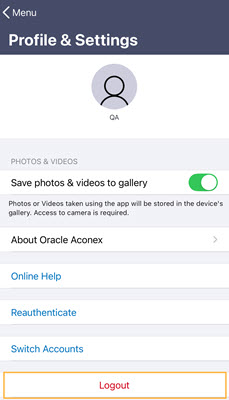
Note: You cannot reset your password within the mobile app. If you need to reset a forgotten password, you need to follow these steps.
Get the app:
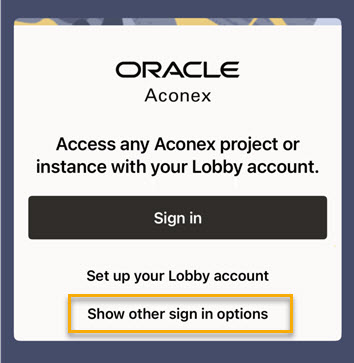
If you need to access the AU Gov (AU2) instance of Aconex tap Show other sign in options and then select AU Gov (AU2) from the drop down.
Make sure you use a supported browser on your device, otherwise you may not be able to login with SSO.

If your organization uses Single Sign-On (SSO) and you don't see your organization's login page, it means configuration steps were missed during the SSO setup process. Contact your organization's administrator for further assistance. They may need to Add Oracle Aconex Integrations to your IdP Policy.
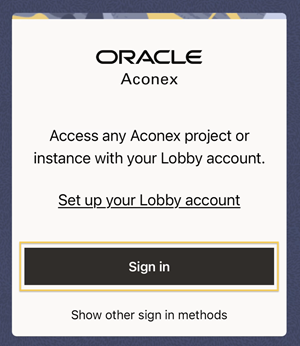
If you need to access other Lobby instances such as AU2 tap Show other sign in methods.