
The Oracle Aconex Mobile Home screen

Access your projects, modules, and tasks from the Home screen.
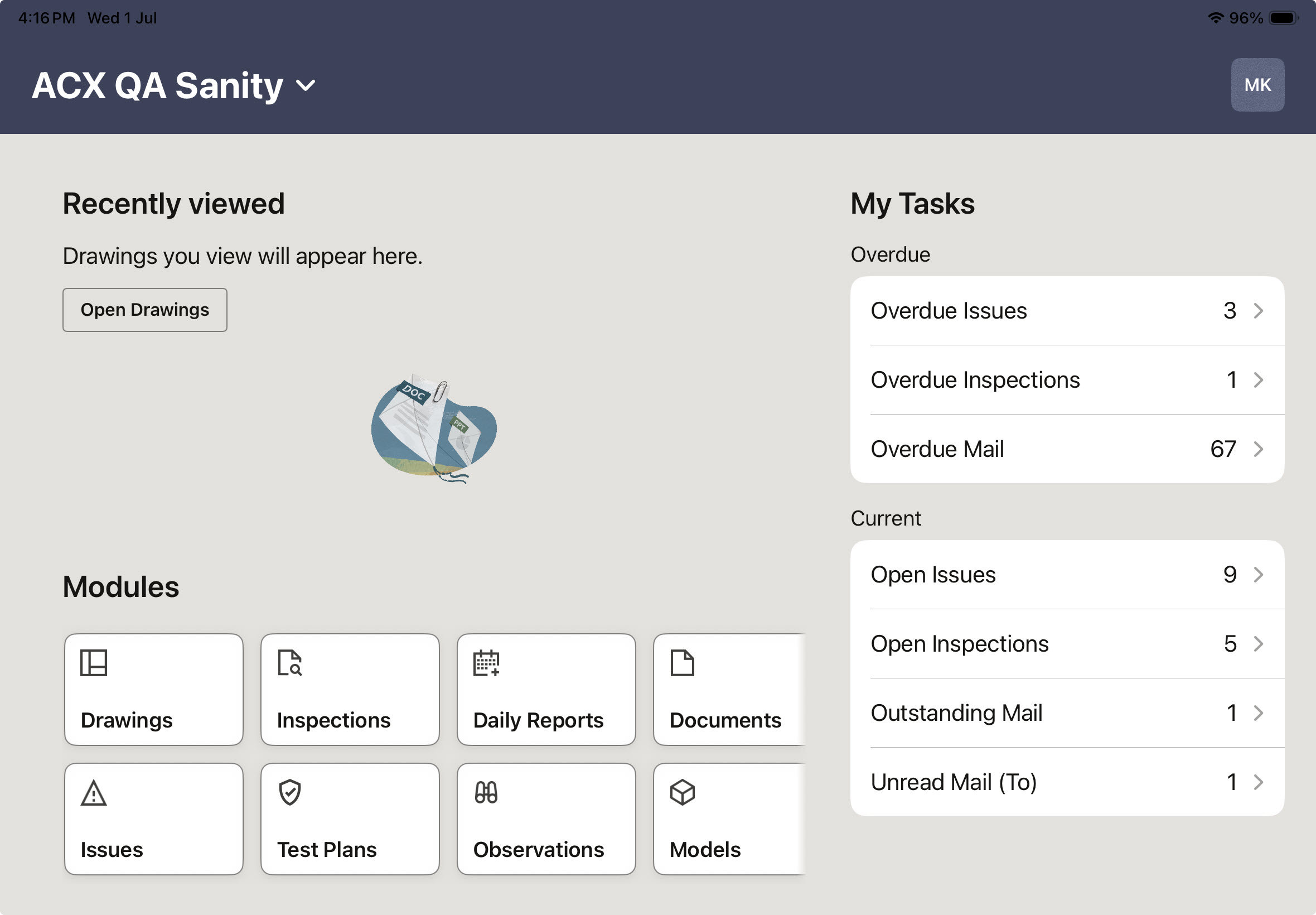
The Recently viewed section appears at the top of the Home screen and displays thumbnails of the drawings you've recently viewed.

Once you’ve logged into the app, select a project from the ones you belong to. Under Modules, you'll see the modules available to you, such as: Drawings, Issues, Inspections, Documents, Models, Punchlists, Daily Reports and Mail. Swipe horizontally to view additional module tiles. 

The current project name is displayed at the top of the Home screen.

Note: The updated Home screen design is currently available on iOS only. Android users will continue to see the existing Home screen until the updated design is released.

Tip!

We encourage you to keep your mobile app updated, giving you access to the latest features, improvements, and performance enhancements. See What version of the mobile app am I on?

View Unread, Overdue, and Outstanding tasks

Under My Tasks you can view:

  • Overdue tasks
  • Unread tasks
  • Outstanding tasks

The mobile app currently displays tasks for Issues, Inspections, and Mail.

Select a task to open it and complete the required action.

If you don't have any pending tasks, an empty state message is displayed.

Use the Aconex web application to see more tasks assigned to you. Learn more about Tasks in Aconex.
