
Support Central
Follow these steps to troubleshoot and resolve processing issues with your files
A model may not successfully process for the reasons described below.
If an unsupported file format is uploaded, the model won’t successfully process and there will be an error. The file extension must also be correct. See Models supported filetypes.
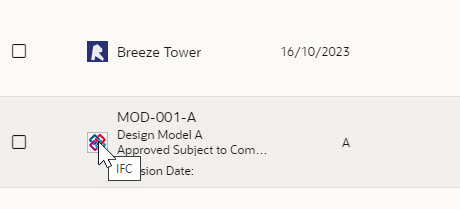
You can find a model's type by hovering over its icon in the model list.
There are three reasons for file or processing issues:
If you believe the file is a supported version and there are no errors in it, contact us so we can investigate the issue.
Model files in Revit or Navisworks format that are larger than 2 GB may not process successfully. If the limit has been exceeded, an error message will appear. To reduce the size of a model, we suggest dividing it up by discipline. There is no size limitation for IFC files.



