
Support Central
Your favorite markup settings are saved as presets to use again later.
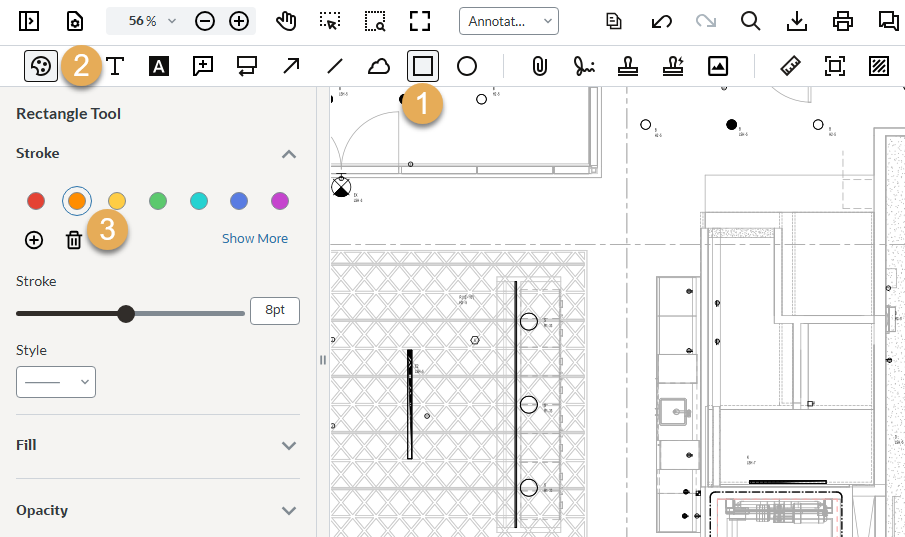
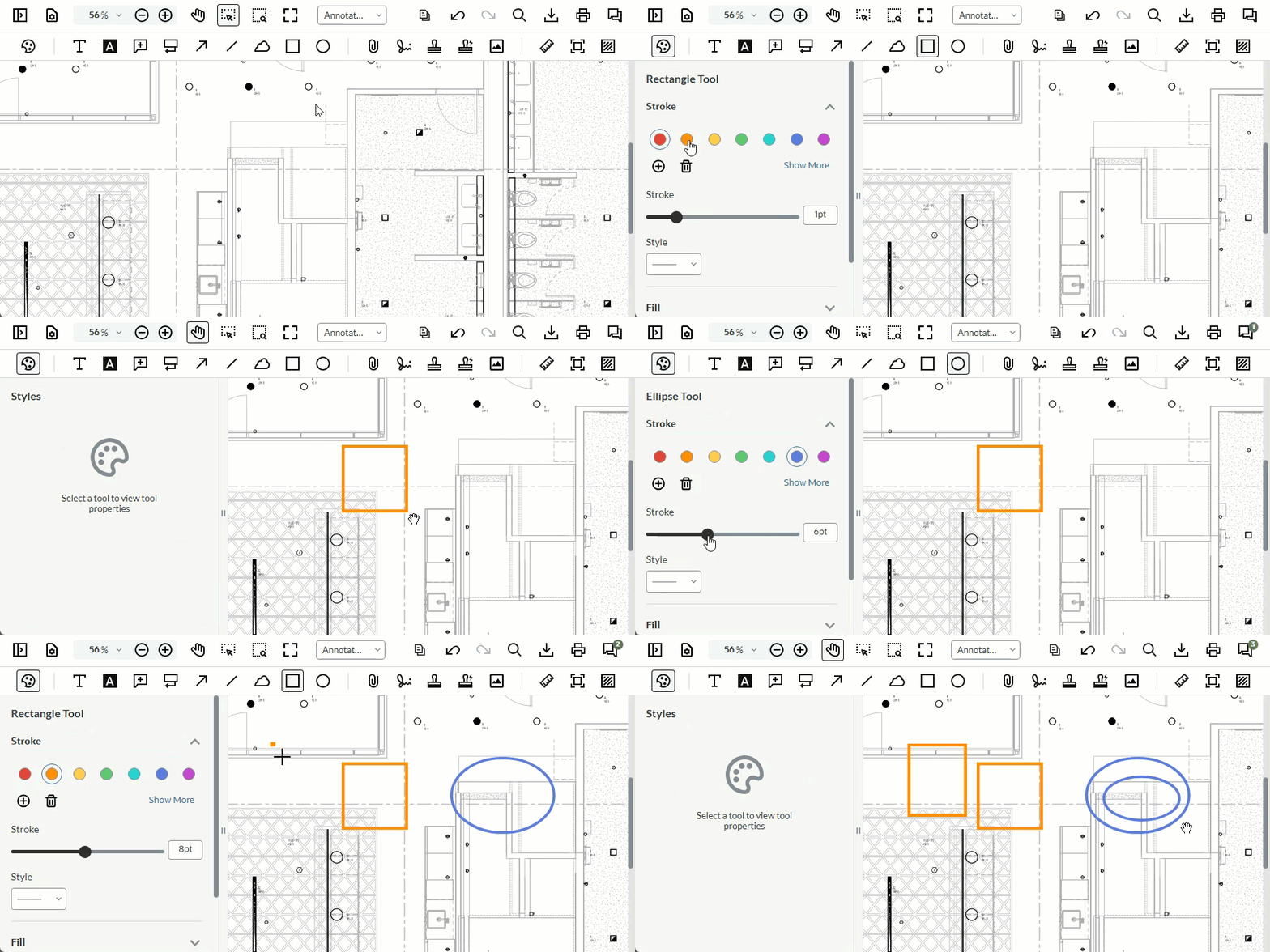
If you change the style of a markup such as it's color, size or stroke, the online viewer automatically saves the style as a preset for you. This preset will be remembered the next time you use that markup, even if you log out. This means you don't have to customize your markup each time you want to review a document - it will be ready for you to select and use.
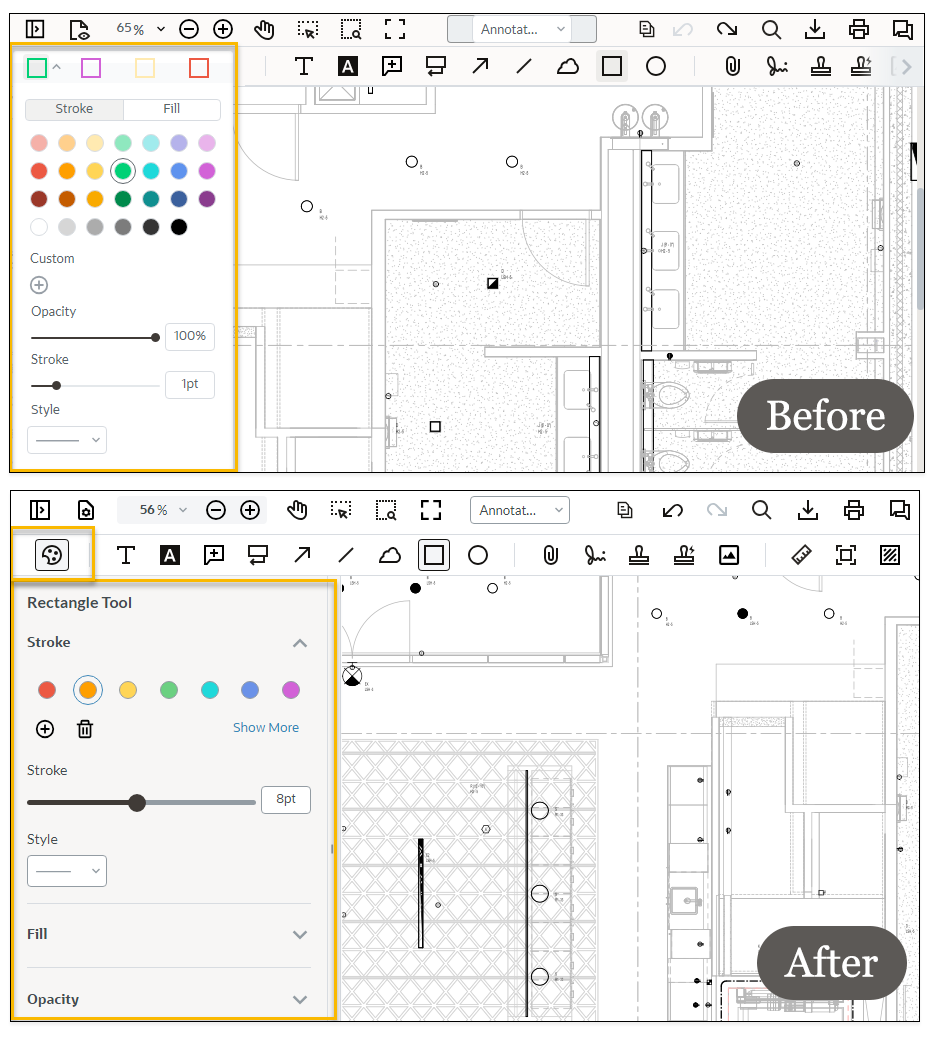
From Thursday, 5 February 2026, the viewer will display and save one preset per markup tool. Previously, presets displayed four different options by default.
You'll also see a new Style button to apply stroke, color and lines to your markups. The style panel has a visual update, and the line tool has some additional styling options.
We recommend you clear your web browser cache if you experience any issues after the update. Find cache clearing instructions for Mozilla Firefox, Google Chrome, or Microsoft Edge.
Below is a short animation showing you how styling presets are saved for each tool.
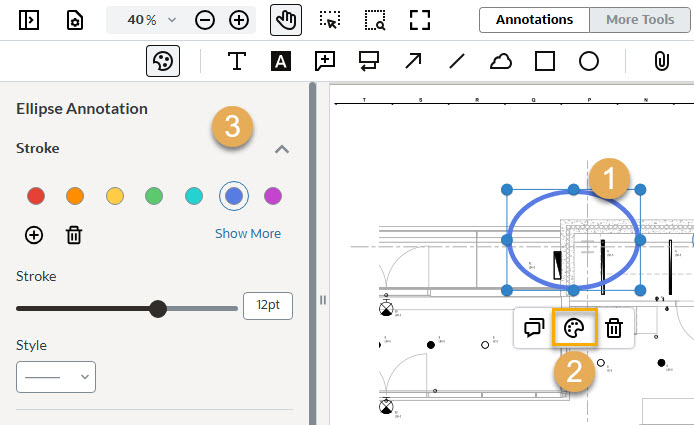
Presets are supported for the following markup types:



