Support Central
Create clickable images and other custom navigation for your smart manual.
After you've created your smart manual, you can create custom clickable hotspots to enhance the navigation of the manual.
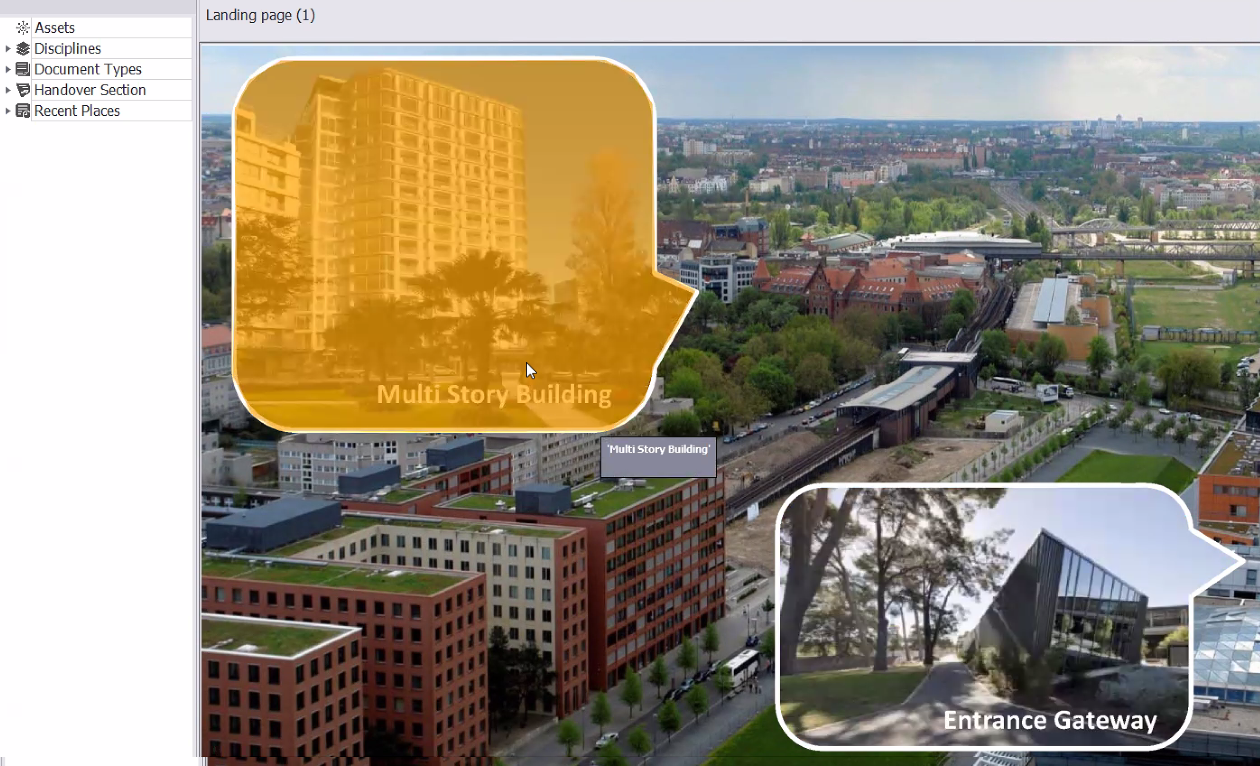
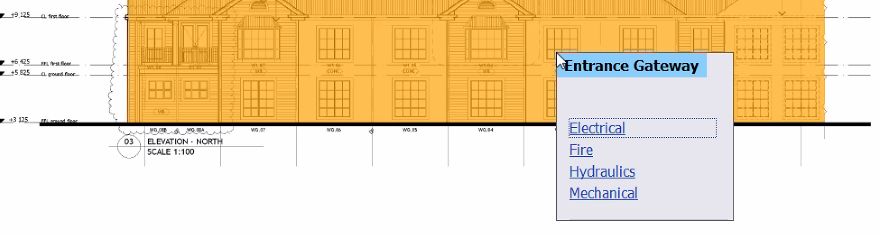
For example, you can use hotspots to:
1. Open the Smart Manual application.
2. Click the Developer Tools tab.
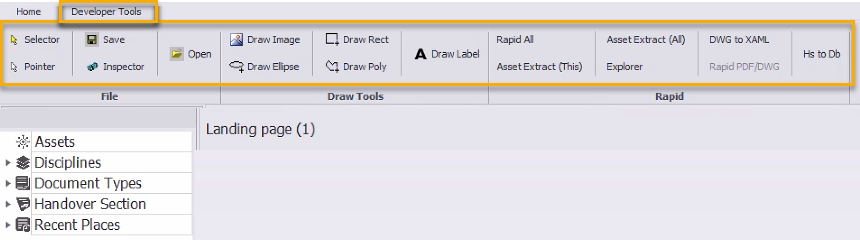
You'll see the following tools to help you create hotspots:
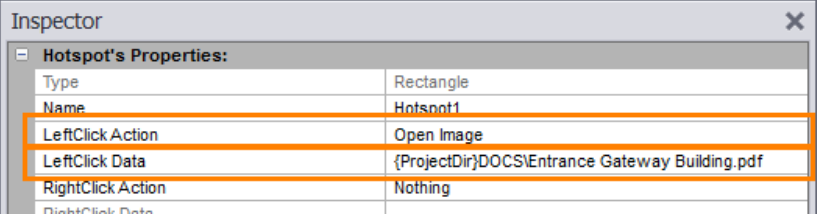
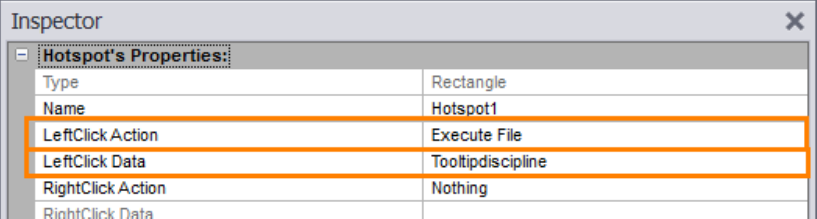
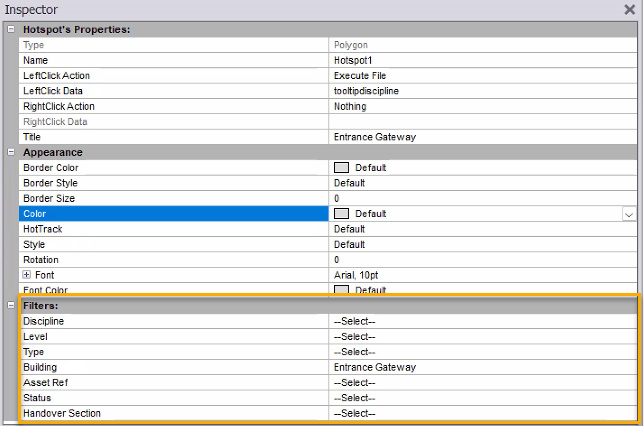
Set the filters to determine which documents should appear for this hotspot (note they will be broken by discipline).