Support Central
Share your mailing groups to ensure everyone communicates with the right people.
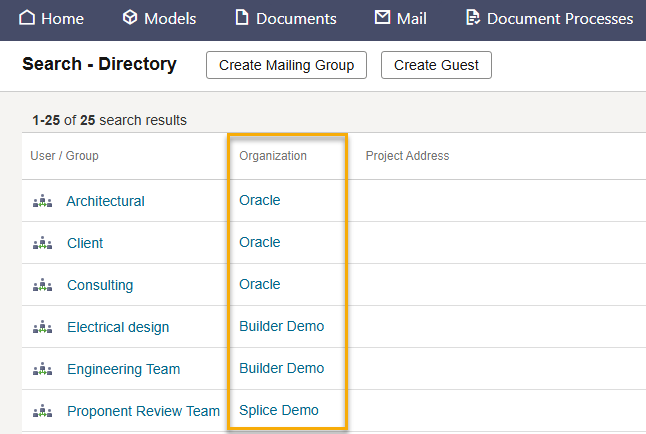
By default, a mailing group is only visible to your organization. If you have permission, you can share a mailing group with all users on the project. This improves communication and means each organization no longer needs to maintain their own lists.
A shared mailing group can be used when sending a mail, updating a package distribution list, creating a workflow template, or sending a supplier document package. Mailing groups are shared as read only, which means only the creating organization can edit them to add or remove users.
You'll need to have the Share Mailing Group With Organizations on Project permission granted to your user role to share a mailing group. If required, project owning organizations can prevent other organizations from sharing mailing groups. Enabling the project preference Allow only Project Owner to share/unshare mailing groups means only the project owner can share them.