View .e57 point cloud files in Models

Coordinate reality capture alongside your 3D models.

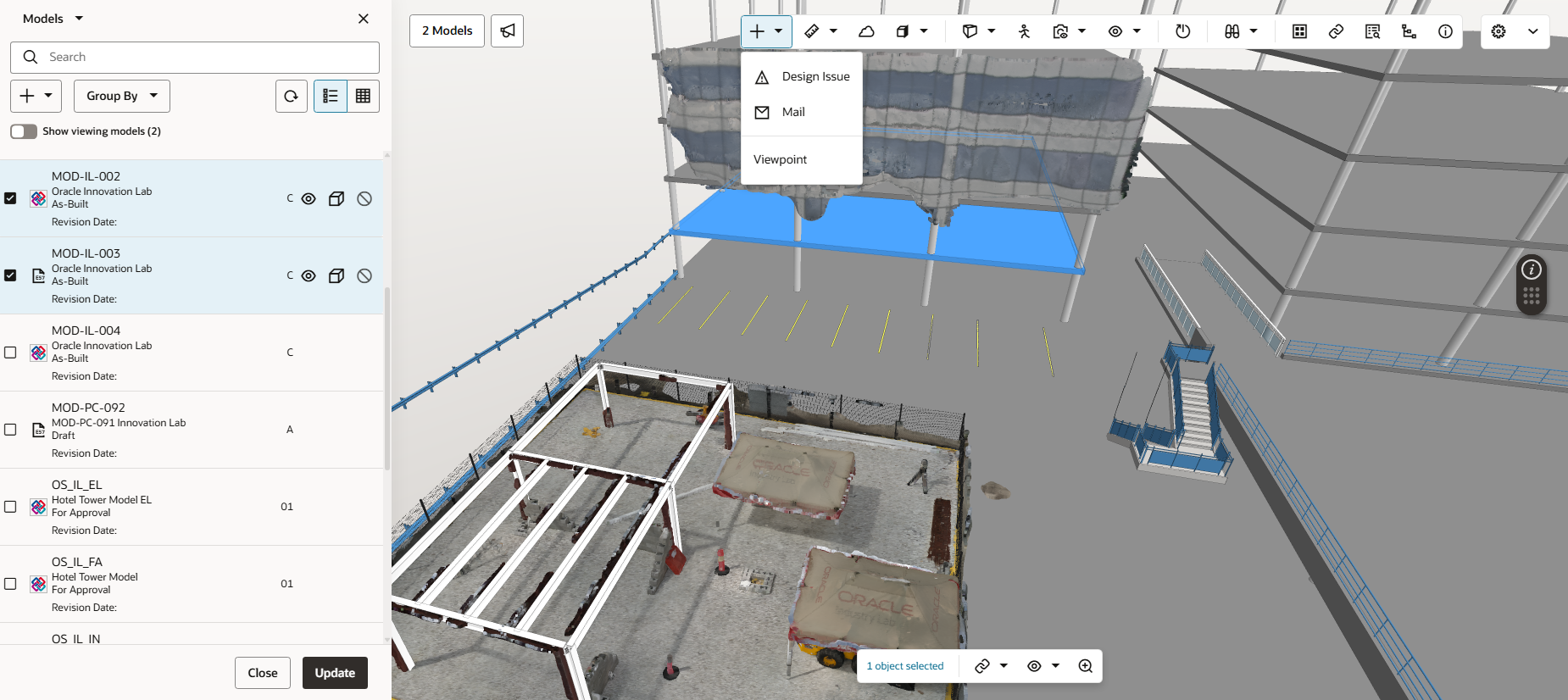
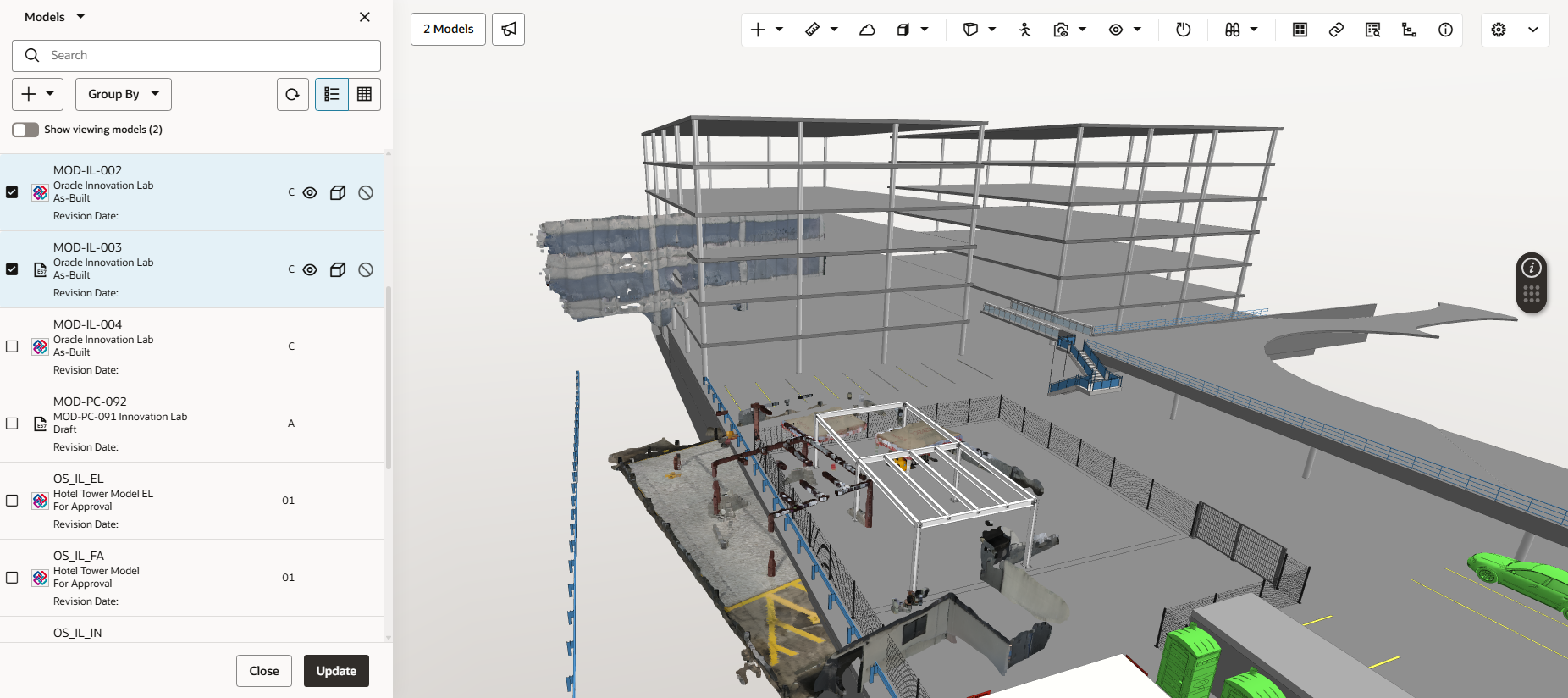
Aconex Models helps you to visualise actual site conditions from point cloud files and compare them with the 3D model. This is helpful during a design validation process to ensure the architect's intent aligns to what is being built on site. Additionally, the alignment tool positions the point cloud data with the model, helping you to identify defects or clashes early.
 

Things to note:
  • Supports .e57 files up to 3GB when added from the Document Register. Up to 1GB is supported if added from local files.
  • Not currently available for Oracle Aconex Mobile.
  • Plane to plane measurement is not supported.

  1. Upload your .e57 point cloud file to the document register and add it to your models list.
  2. View the point cloud data and your models together in the viewer.

Tip!

If you see a message that says 'Unable to load X number of models', it means your web browser has reached its memory limit for the selected models. You'll need to deselect one or more models to free up memory and continue working.
  1. Use the alignment assistant to align the point cloud data with the model.
  1. From the context of the combined model and point cloud view you can: 
  • Raise a design issue.
  • Send an RFI or other correspondence.
  • Capture and share a viewpoint.

What's next?