
Support Central
Stop packages being created with a particular package type.
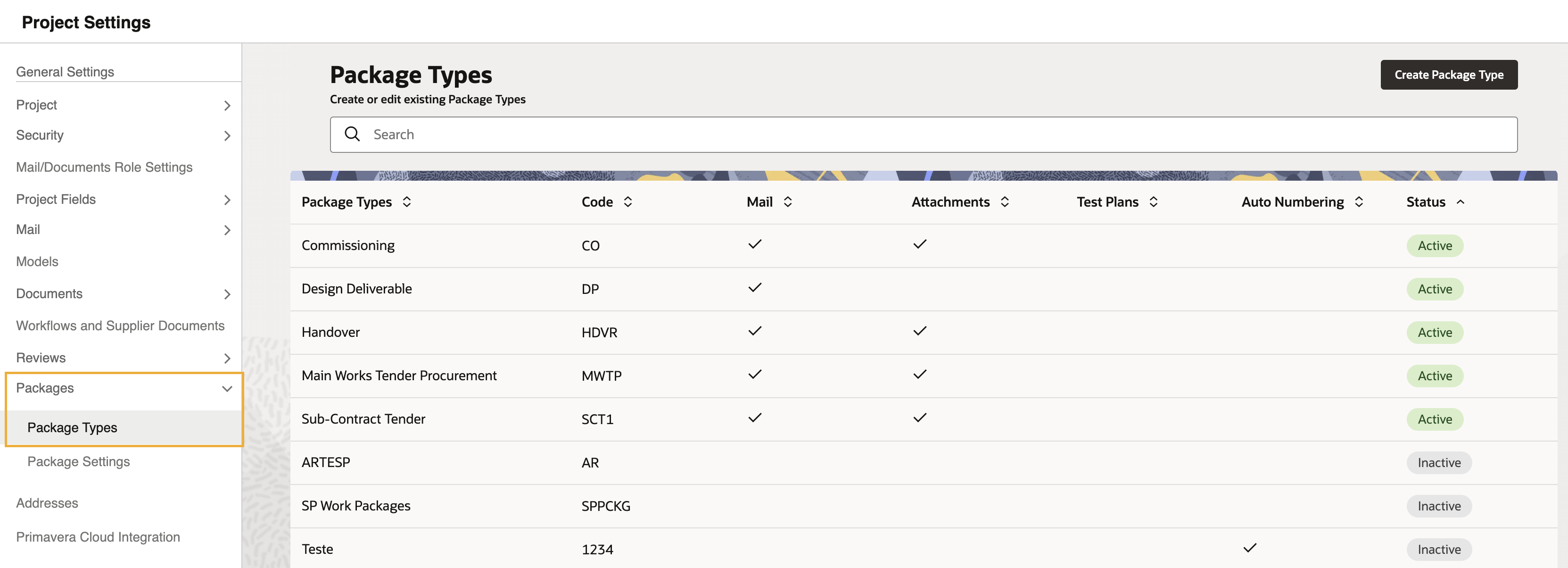
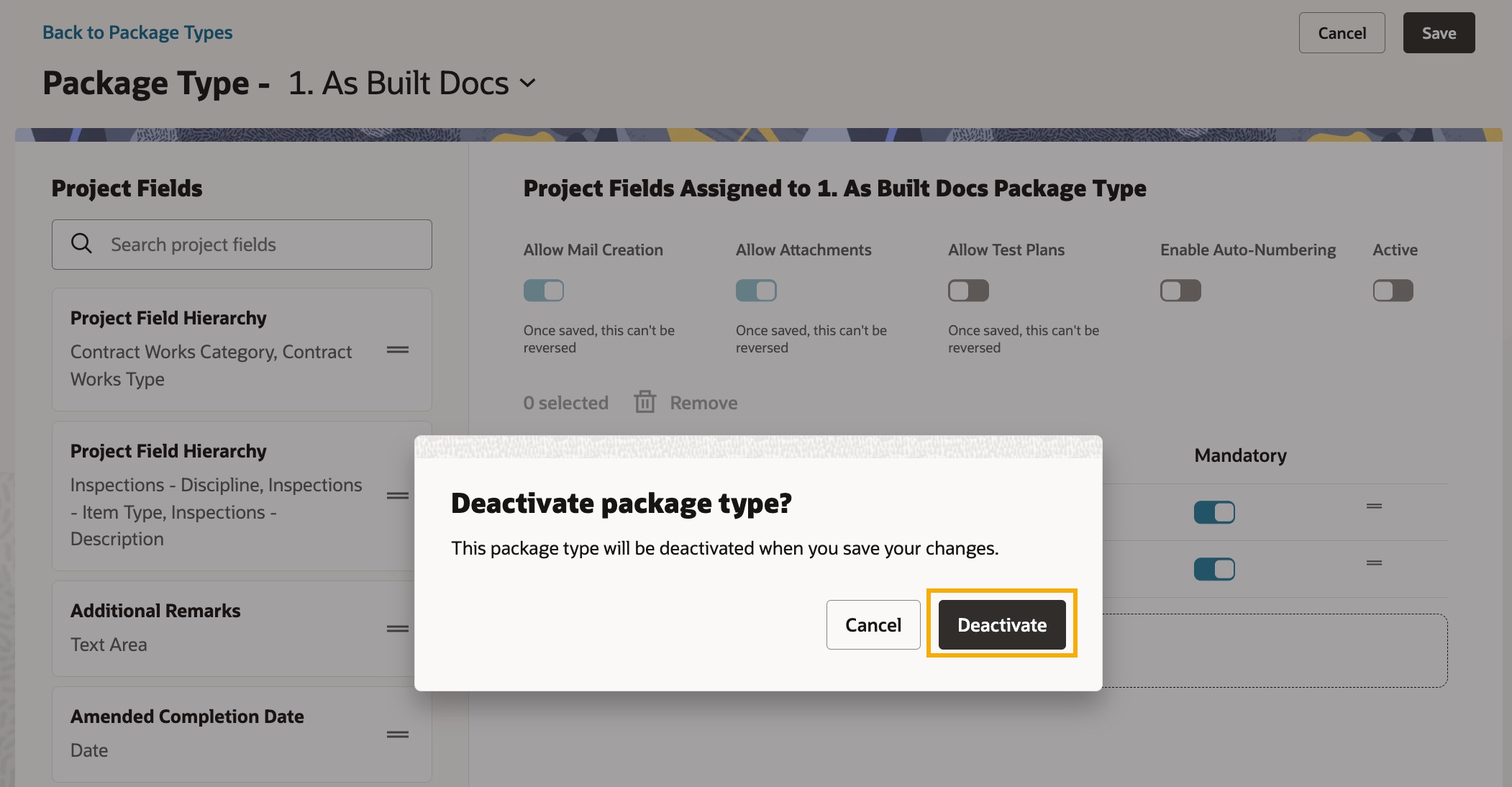
As a Packages Administrator, you can deactivate a package type, stopping users from creating new packages of that type. Any packages previously created with the package type will remain in use.
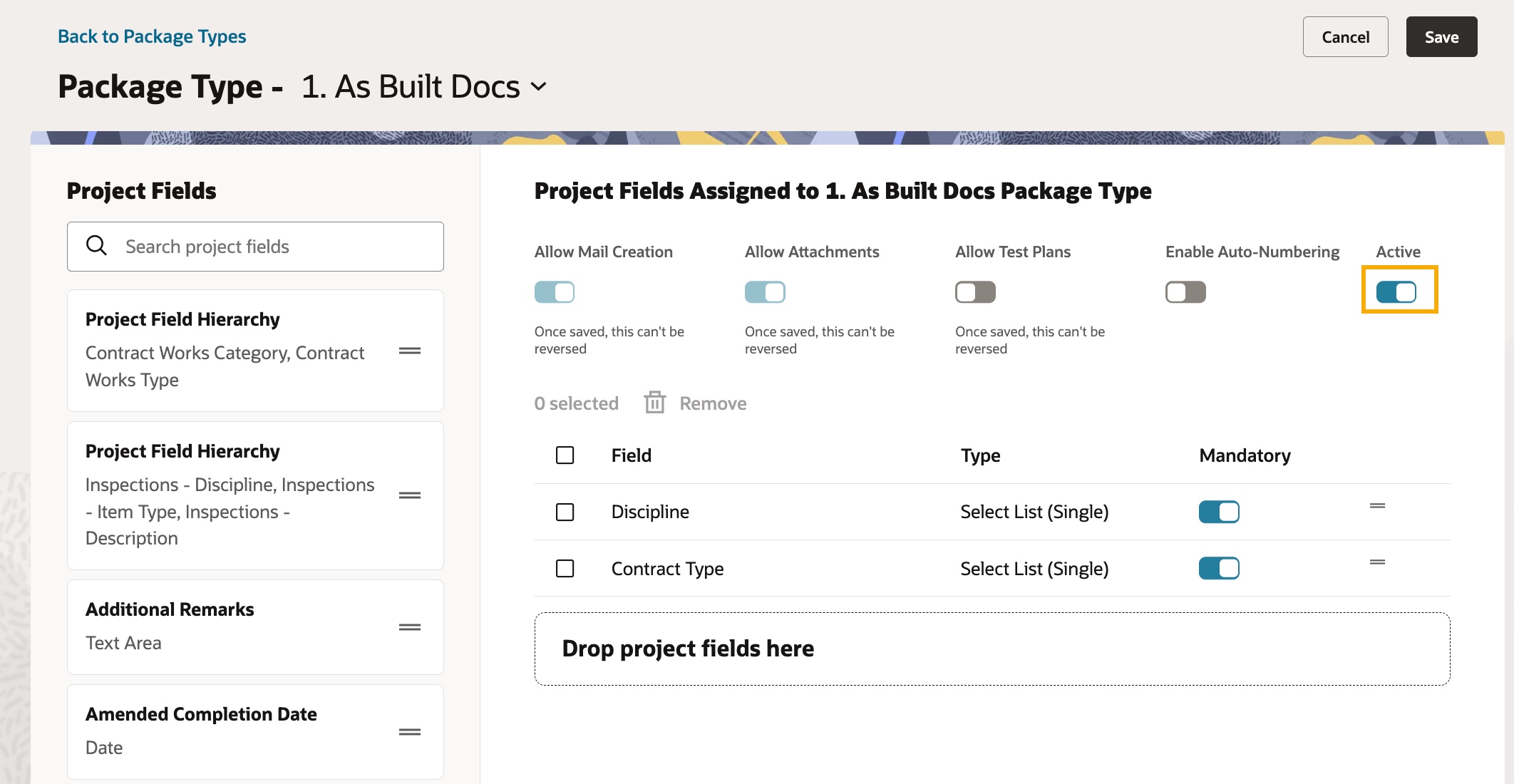
You can reactivate a package type at any time by turning on Active and clicking Save.



