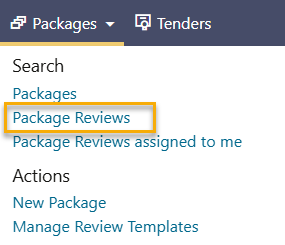
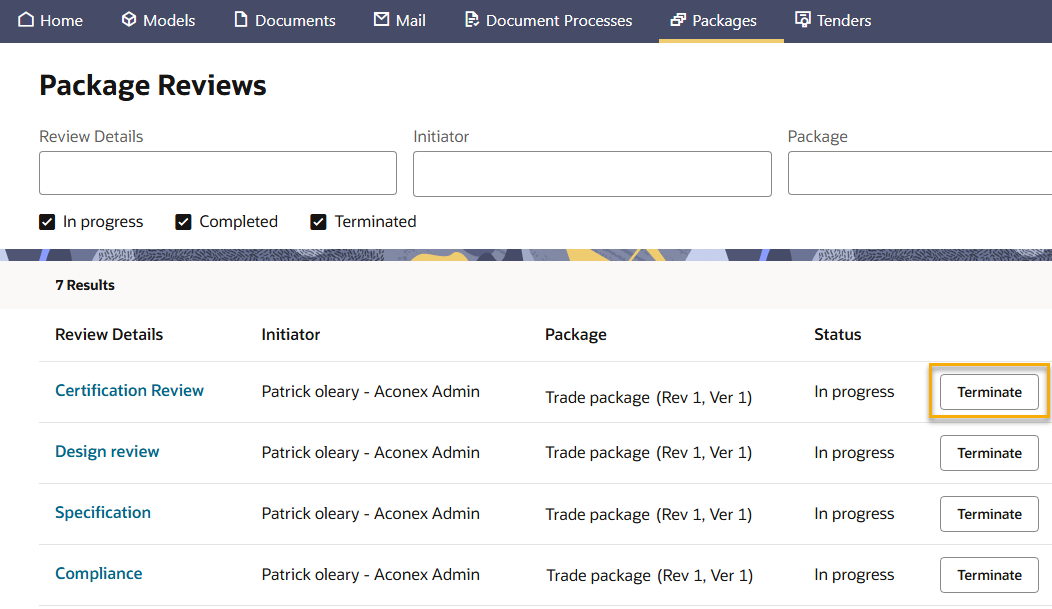
You can filter the list by review details, initiator, and package.
You can terminate reviews you started. If you have Workflow Administrator permission, you can terminate any review started by your organization.
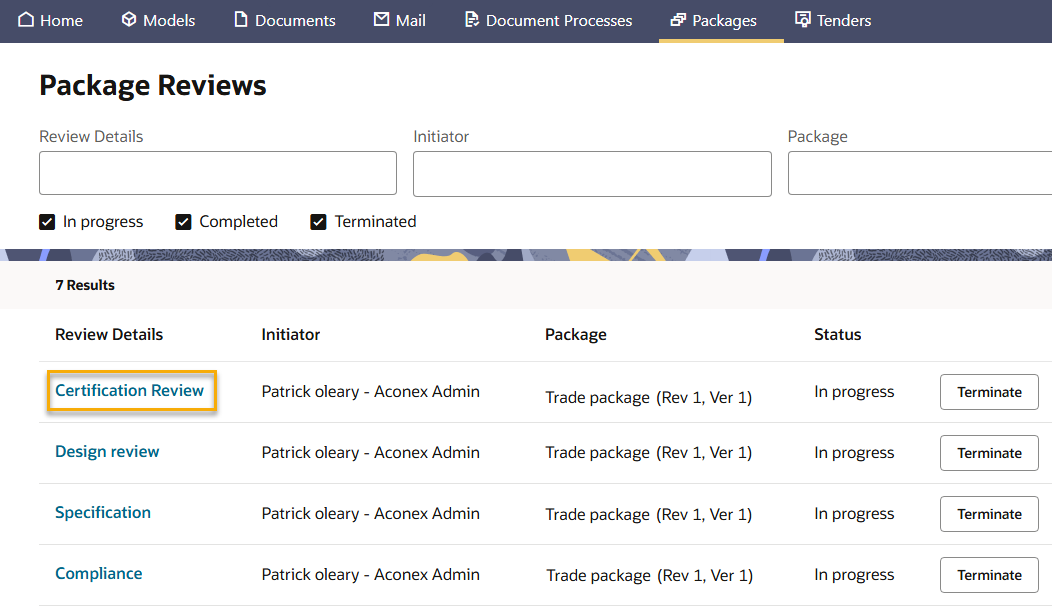
Click on the name of a review to view its step details.
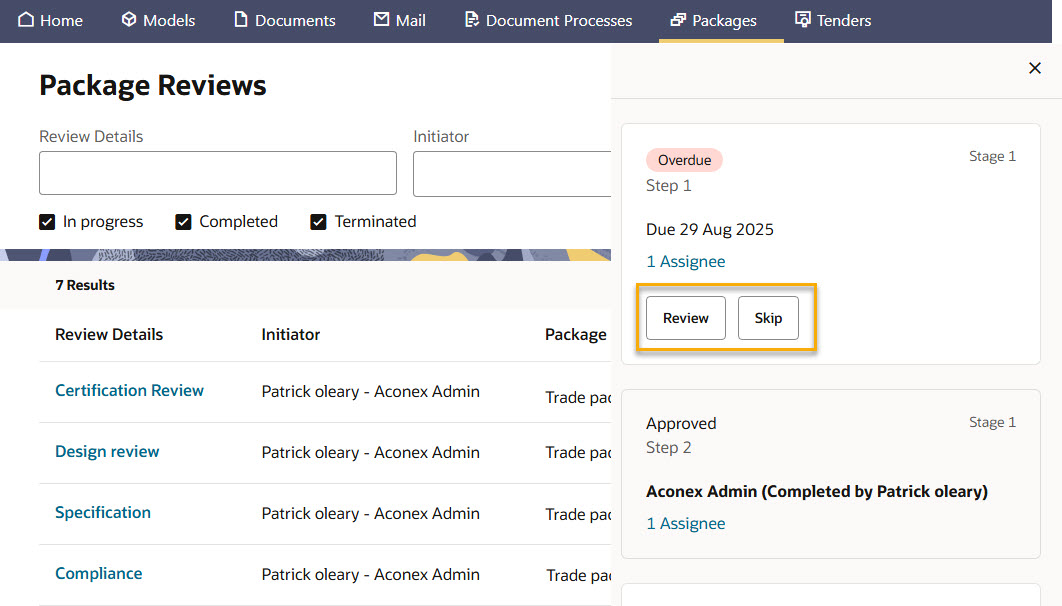
Here you'll find the actions to review or skip steps:
You can only review a step that's assigned to you.
You can only skip a step for a review you initiated. If you have Workflow Administrator permission, you can skip steps in any review started by your organization.
See review details in the package register
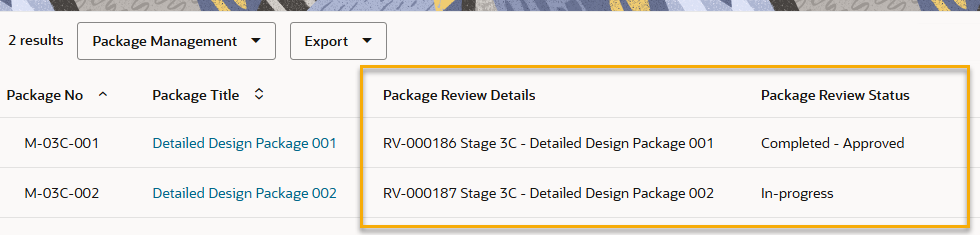
Filter and export the status of all your package reviews directly from the register.
Open the Package Register.
Click View Options.
Click Columns.
Search for review, and select these columns from the Package Review fields:
Package Review Details - a combination of the review number and the review name.
Package Review Status - shows the status (either In-progress or Completed). Completed reviews include the review outcome such as Approved.
Click Update.
Once you've filtered for the packages you need, you can export the details for further review.