Support Central
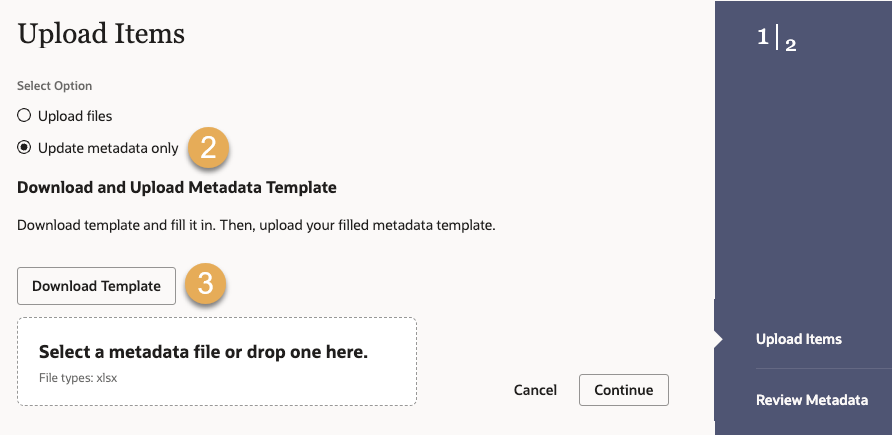
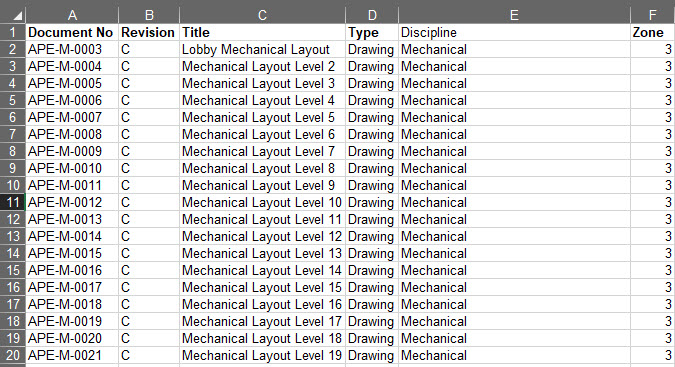
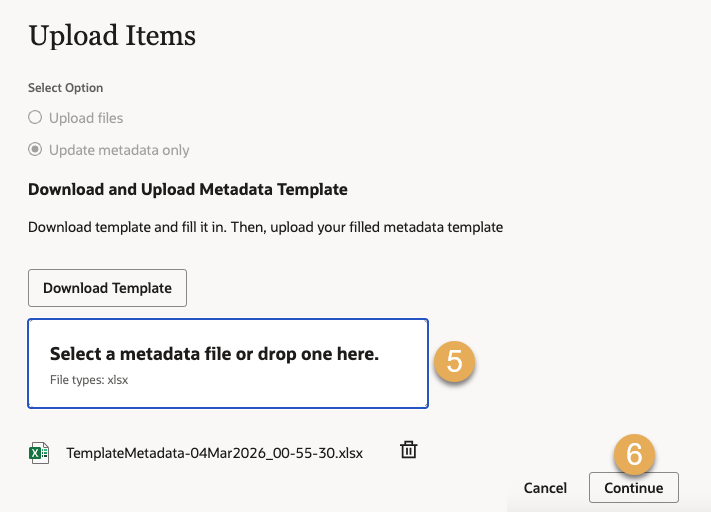
Use an Excel template to update metadata fields for multiple documents without uploading replacement files.
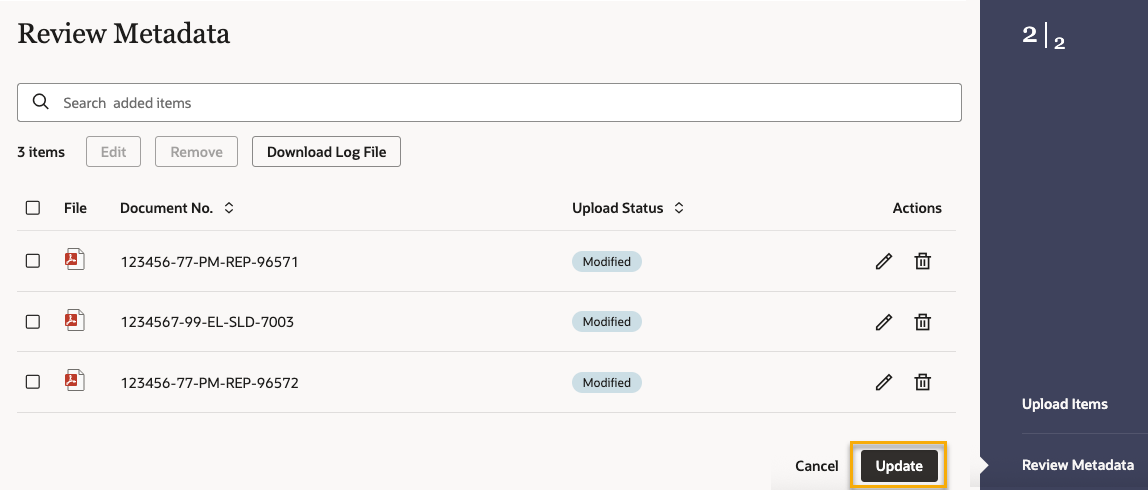
Follow this process to update the information for multiple documents in your organization's Document Register. Updating a document creates a new current version. Previous versions are saved automatically and remain accessible in Aconex.
If your project uses secondary files, known as renditions, the existing primary and secondary files from the current version of the document will automatically carry forward to the new version.
Before updating, refresh your Document Register to see the latest documents.