
Support Central
Upload new or updated files to your document register.
Important: We'll retire this version of uploading soon. We recommend you use the new enhanced upload for the latest features and improvements.
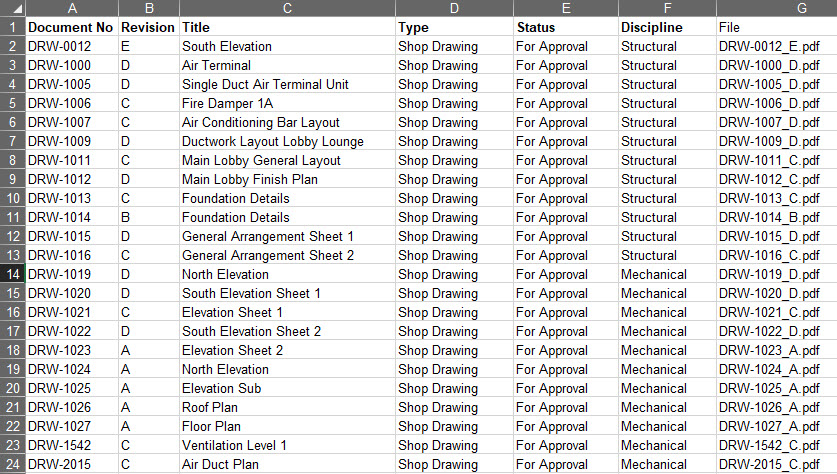
Before you start, it's a good idea to prepare the files with a consistent naming convention. We recommend including at least the Document number and Revision in the filename. This helps Aconex prefill information during the upload process; saving time.
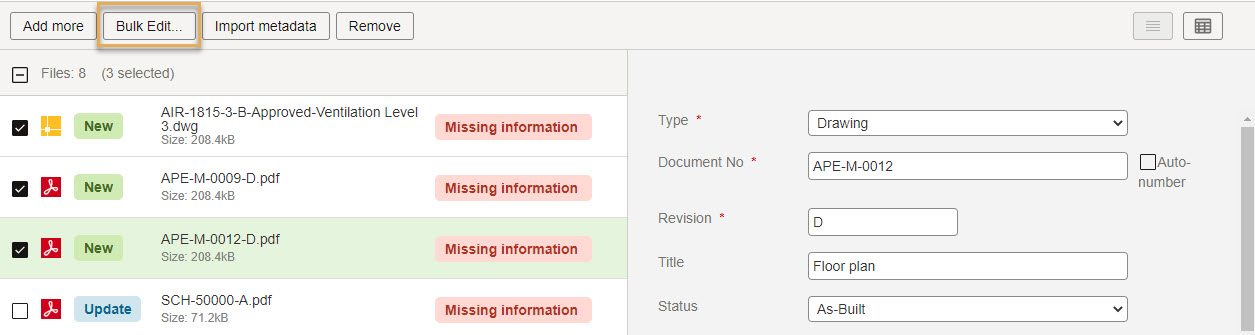
Use Bulk Processing if:
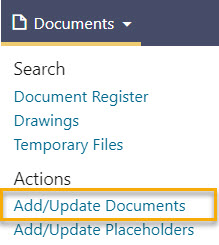

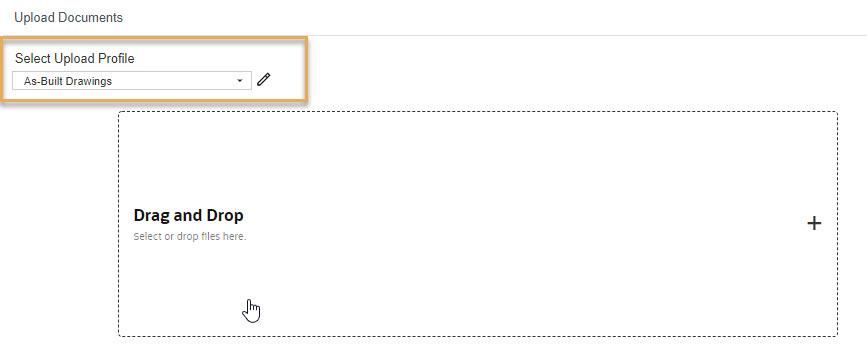
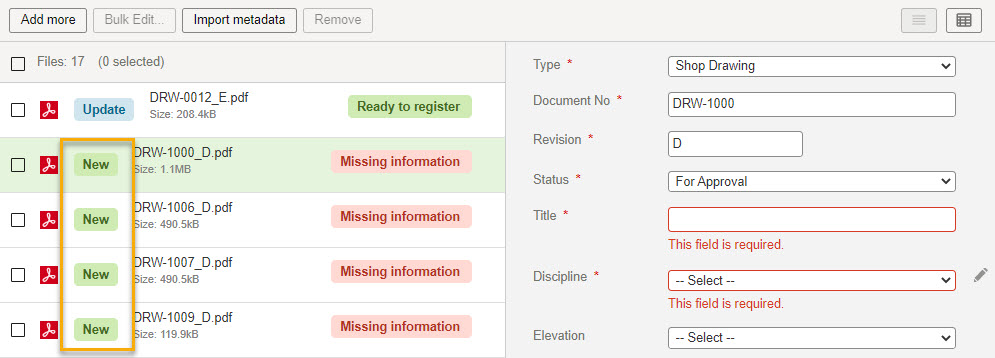
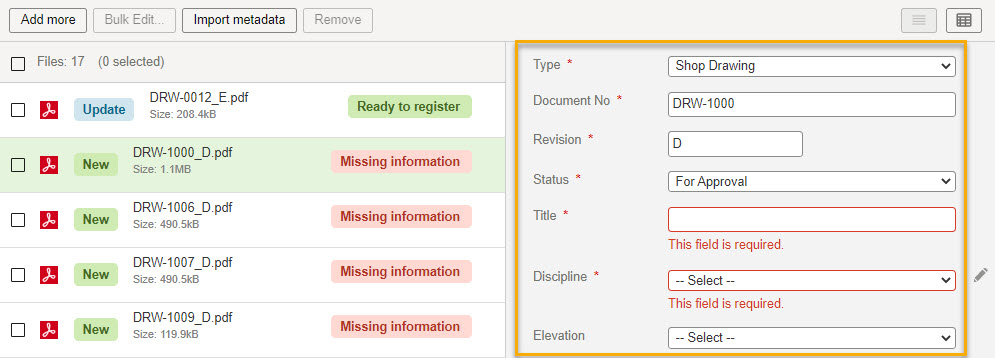
The input fields you see on your project may be different from the example shown here. Each project in Aconex is customized to suit different requirements. If you are unsure what you need to be entering in each field please contact your Document or Project Administrator.
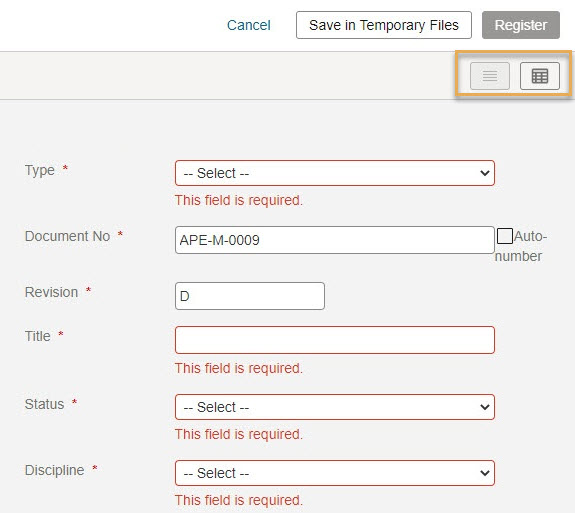
Avoid entering special characters such as < or >. See Invalid characters in Document and Project Fields

If you don't see the Register option, you do not have permission to upload new documents. Please ask your Organization Administrator to grant you permission.
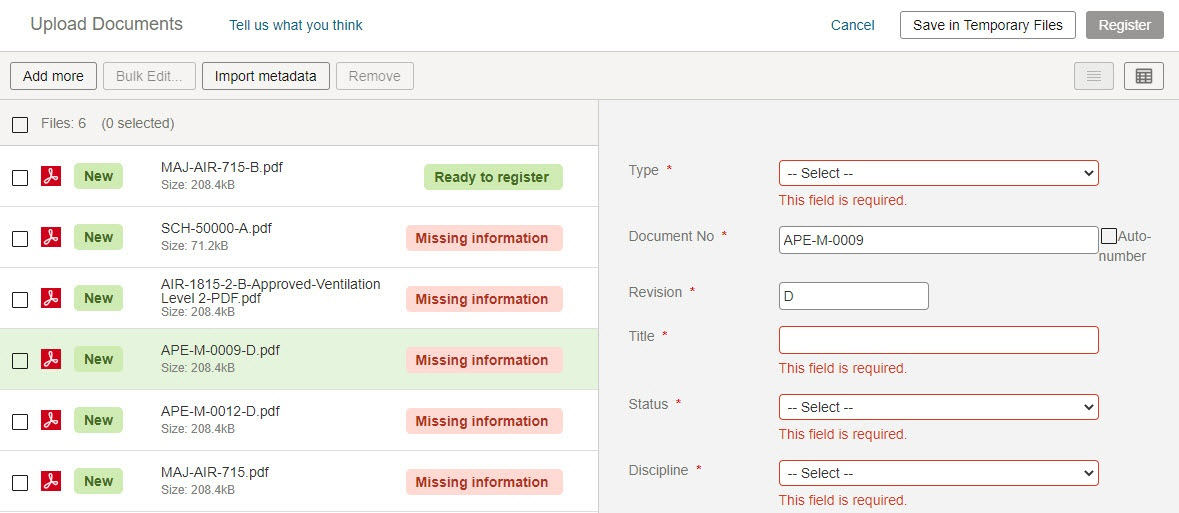
New - This is a new document that will be uploaded to your document register
Missing information - This document has missing mandatory metadata that must be completed
Ready to register - This document has all mandatory metadata completed and is ready to be upload to the document register
Placeholder - This document has no associated file and will be registered as a placeholder
Update - A version of this document already exists and will be updated with this new file.



