Support Central
Aconex Home helps you find and manage your important tasks.
From one screen you can:
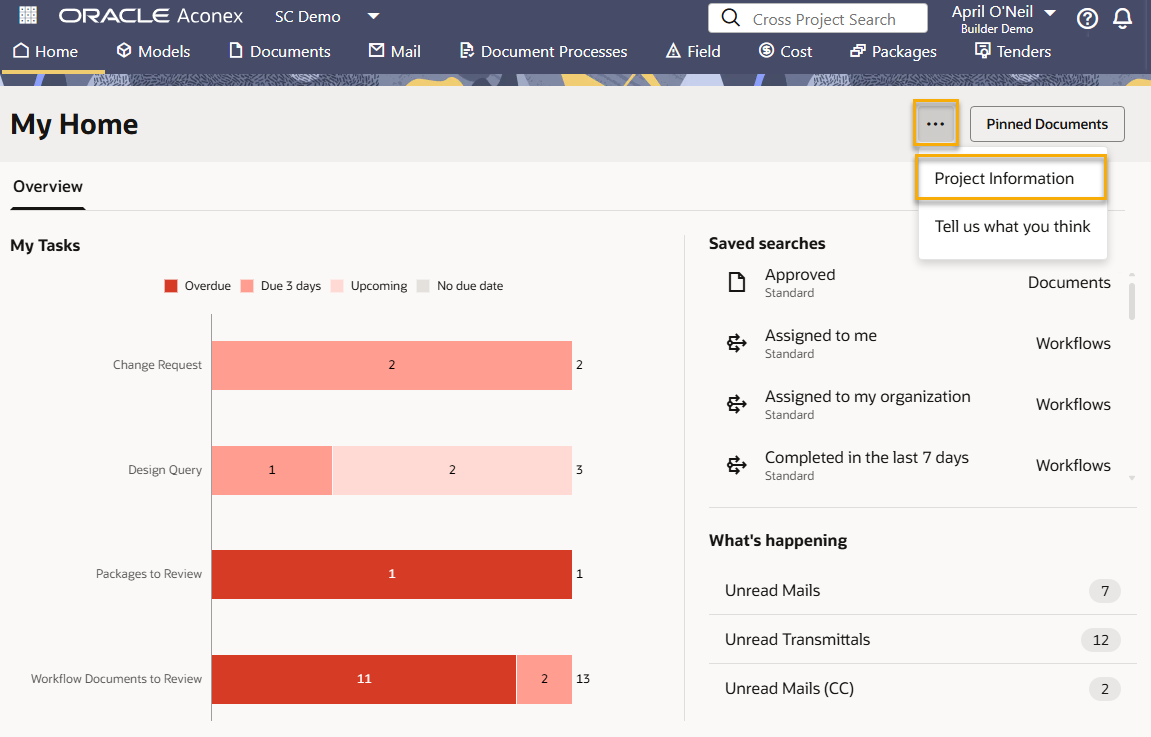
Under My Tasks you'll see a bar for each process that has tasks requiring your action or response. The colors let you know what's overdue and upcoming. Click a colored section to view those specific tasks.
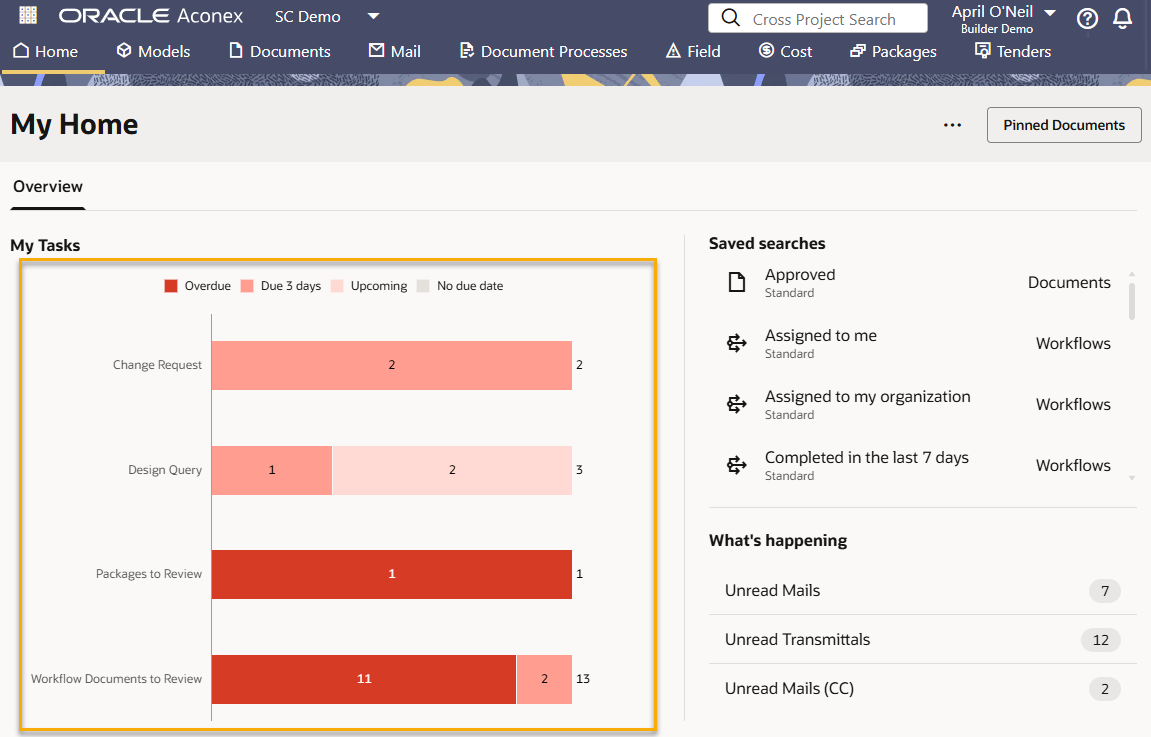
Click on a segment of a bar to see those specific tasks.
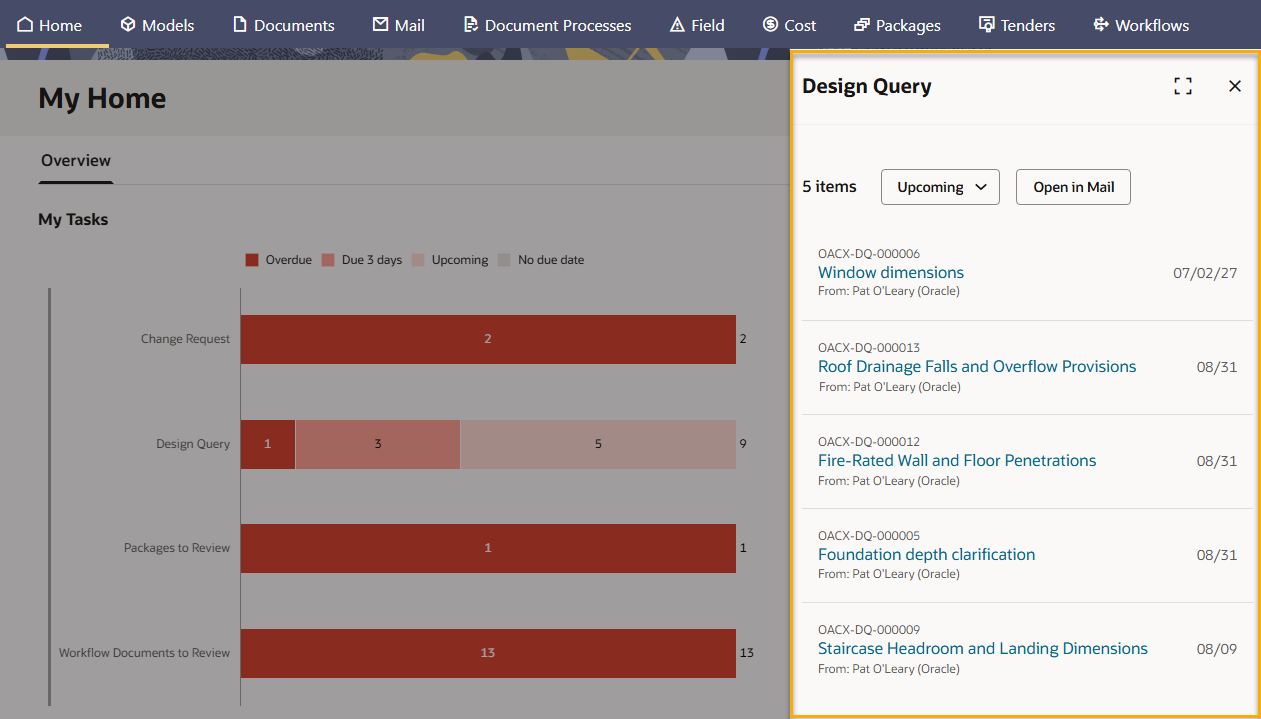
For example, if you click the Upcoming segment in the Design Query bar, you'll see all Design Queries requiring your response.
The table below describes the types of processes that can populate a bar. You'll only see a bar for processes that have tasks requiring your action or response.
| Process | Description |
|
Mail types (For example, Request For Information, Design Query, or Site Instruction) |
You'll see a bar for each mail type that has mail requiring your response. |
|
Deliverables to QA |
Deliverables in Document Processes you need to provide a QA Outcome. |
|
Documents to Review |
Deliverables in Document Processes waiting for your review. |
|
Field Issues |
Field issues assigned to you that are not closed. |
|
Inspections |
Field inspections assigned to you that are not closed. |
|
Mails for Approval |
Mail approvals waiting for your approval to be sent. These show in the No Due Date segment as there are no due dates for mail approvals. |
|
Packages to Review |
Packages waiting for your review. |
|
Review Issues |
|
|
Supplier Documents Submissions |
Supplier documents you need to submit. Click a section on the bar to see the relevant supplier document packages that have documents requiring your action. |
| Supplier Documents Submitted |
Supplier documents that have been submitted to your review. Click a section on the bar to see the relevant supplier document packages that have documents requiring your action. |
| Test Plans to Close |
Test plans you need to close where you are the approver. |
| Test Plans to Submit |
Test plans you need to submit where you are the manager. |
| Transmittals | Transmittals requiring your response. |
|
Workflows to Review |
Workflows waiting for your review. |
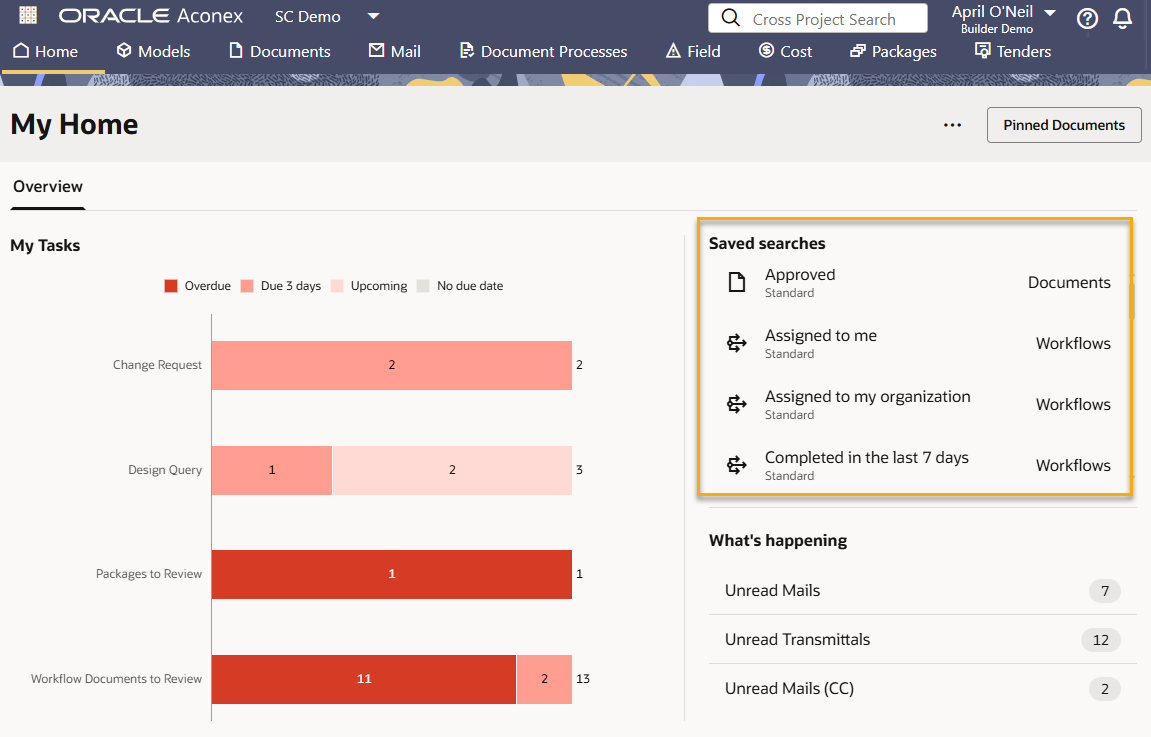
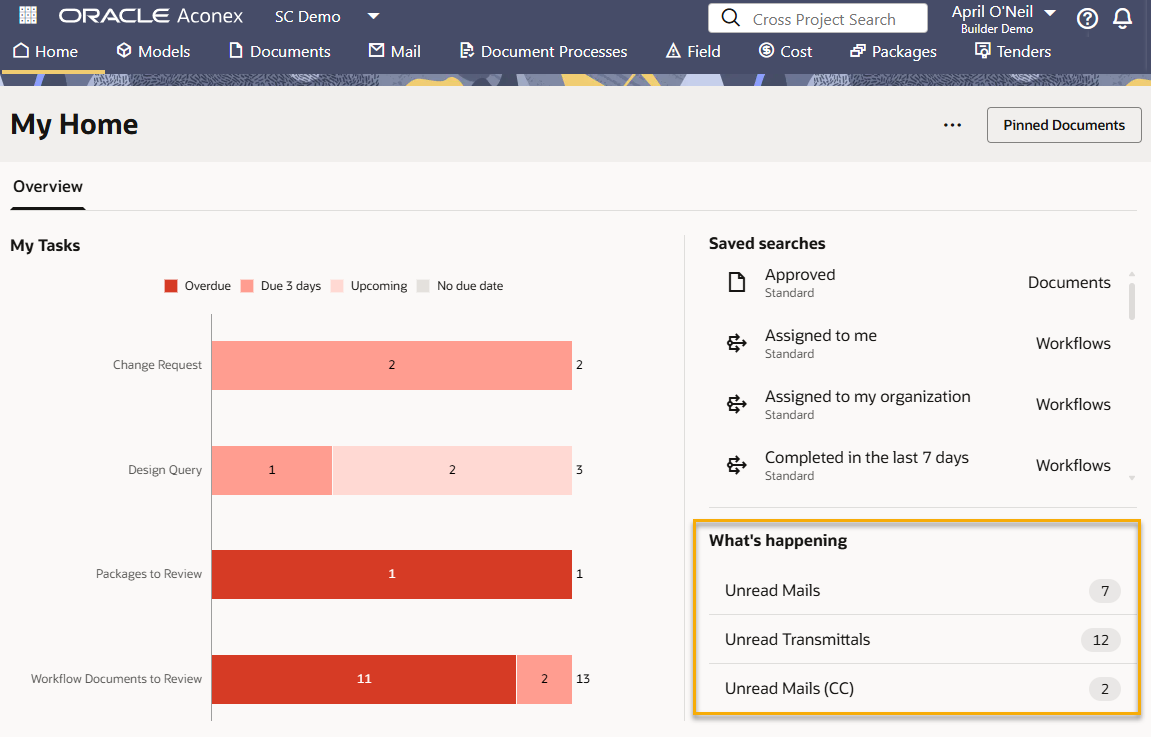
Got mail? Check your unread mail from here.
Note: If you've set your email notification preference to include the entire mail body, your mail will be automatically marked as read in Aconex.
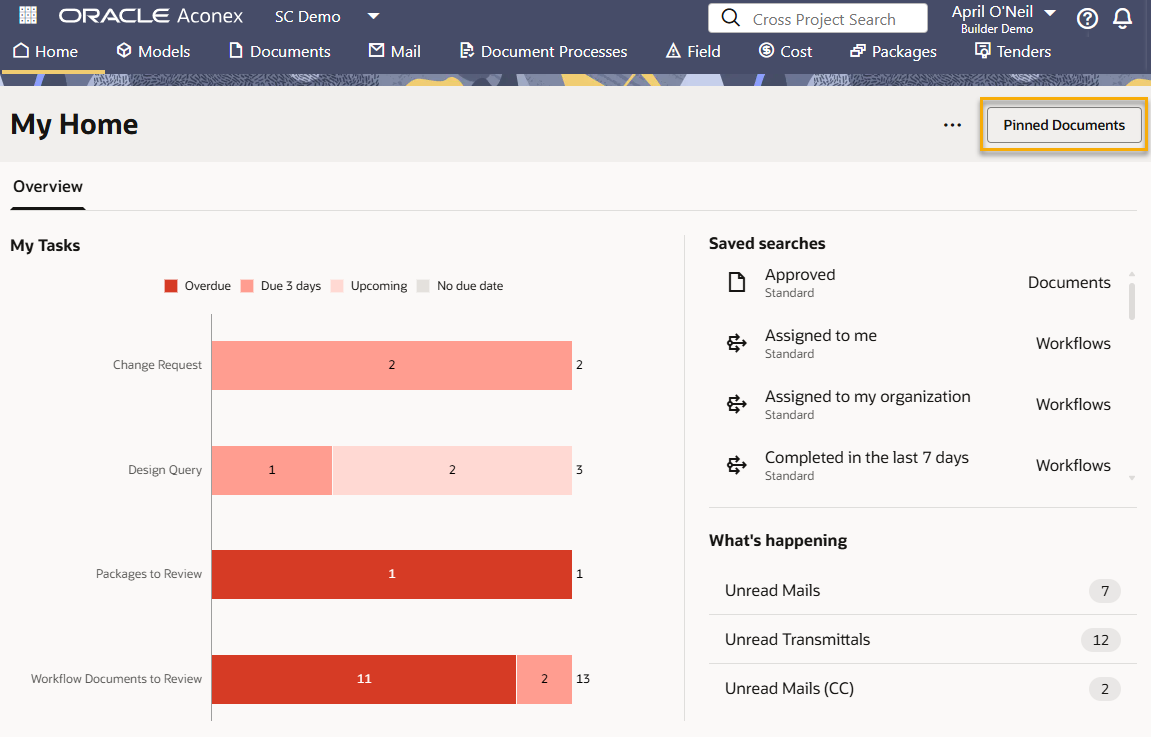
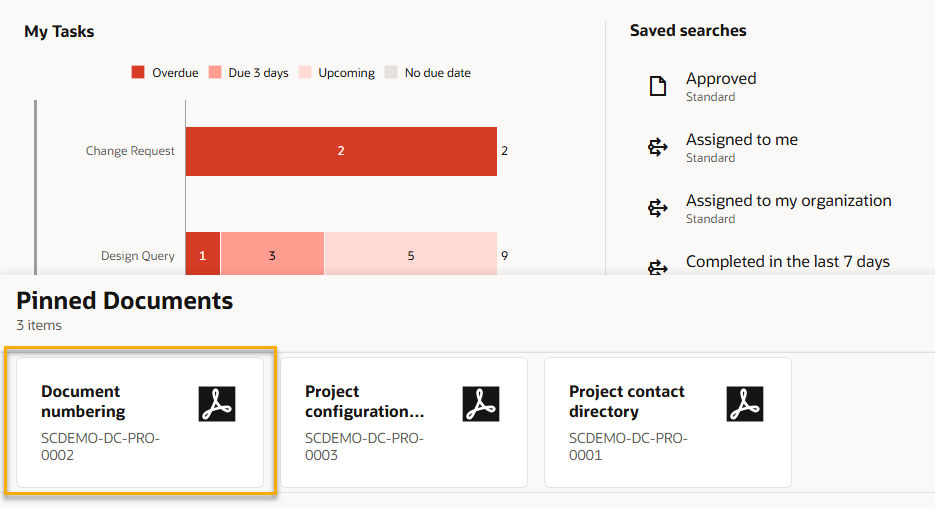
These documents are available to all users on the project and provide access to important guidelines or specific reference files. They are managed by the Project Admin. Learn more.
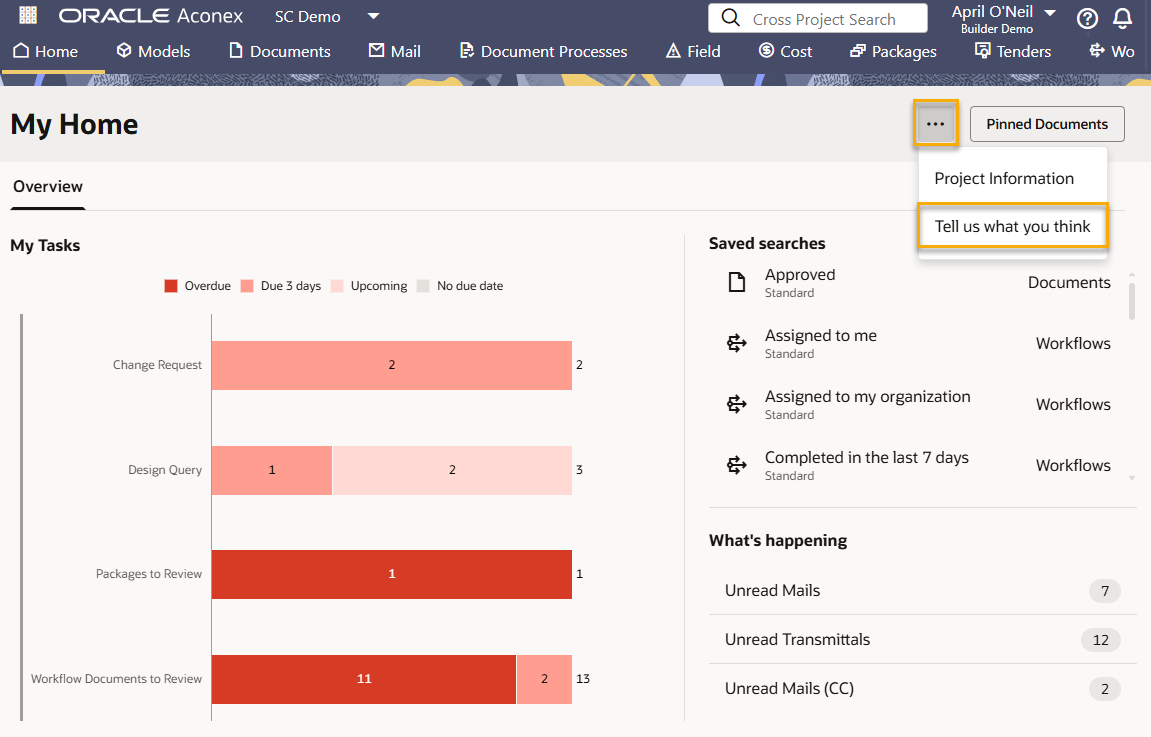
Under the three dots menu you can view information about your project including the project ID, logo, and address.
Our work isn't complete. We'll continue making improvements over the coming months to bring even more tasks into the home screen. Make sure you tell us what you want to see.