Support Central
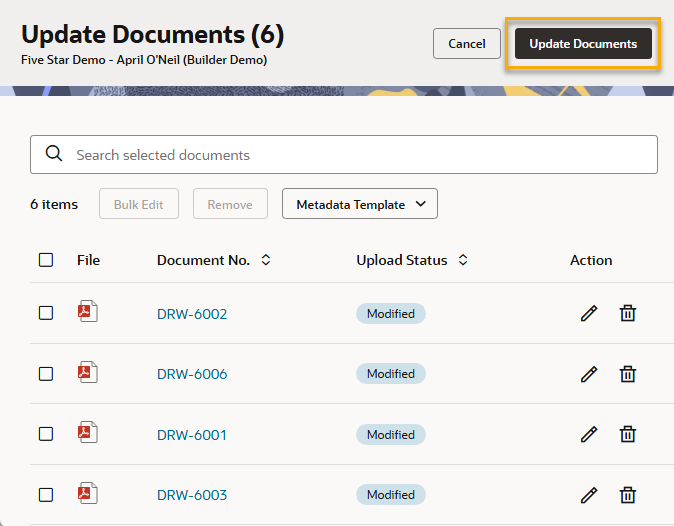
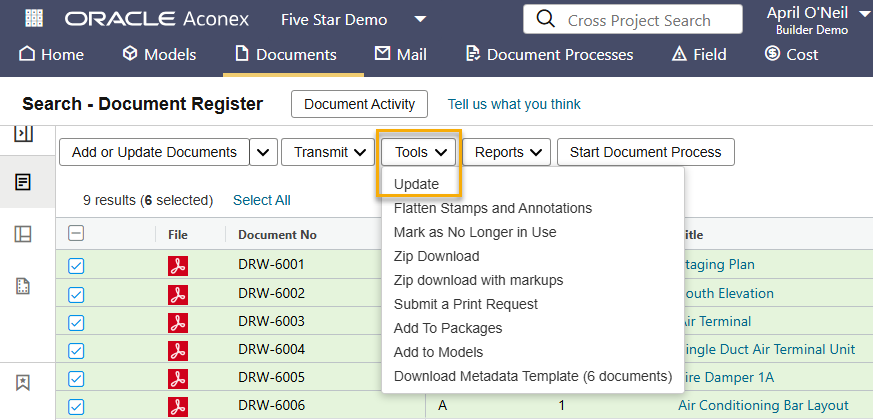
Update documents with new metadata or files.
You can update documents one by one, or in bulk. In Aconex, updating a document is sometimes referred to as 'superseding'.
You can update an existing document to:
After you update a document, the system creates a new version for it. This new version becomes the current version of the document. All previous versions of a document are kept in Aconex automatically, so you can always see what's changed, when, and by whom. Learn how to access previous versions of a document.
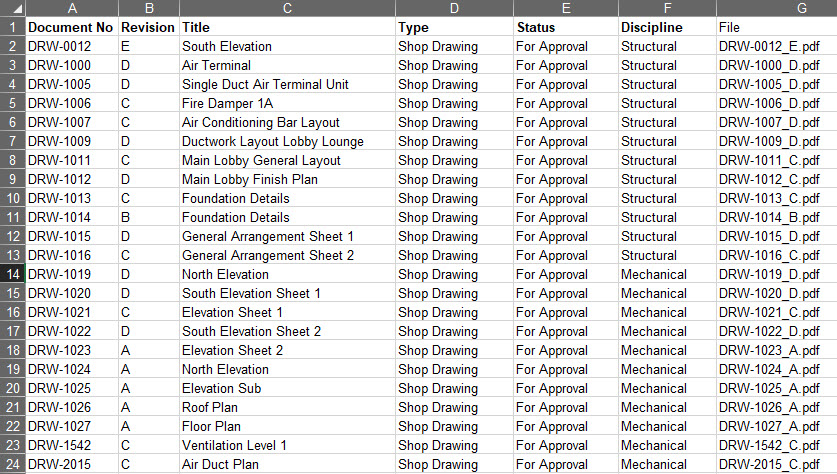
Before you start, it's a good idea to prepare your files with a consistent naming convention. Including the document number and revision in the filename helps Aconex prefill information during the process; saving time.
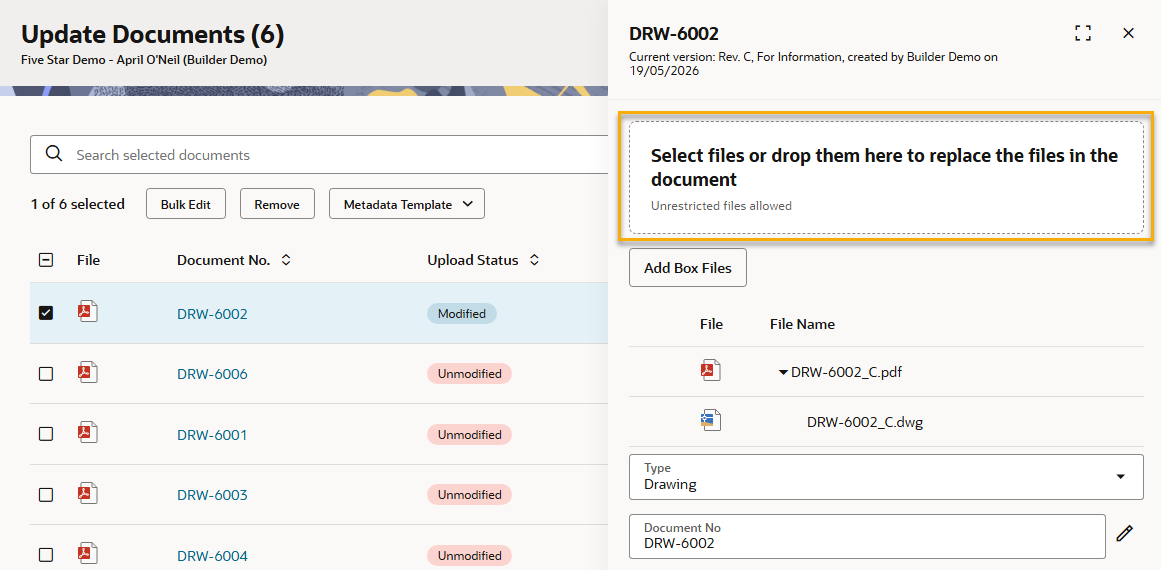
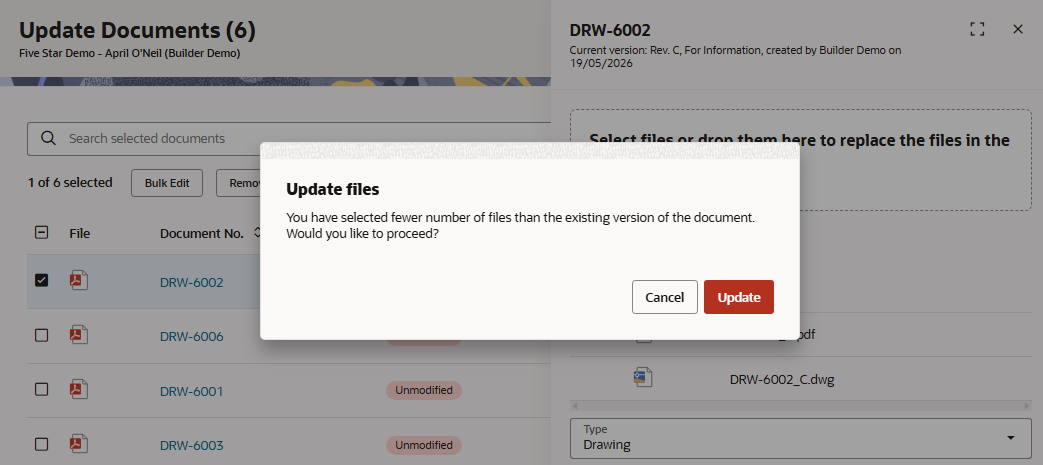
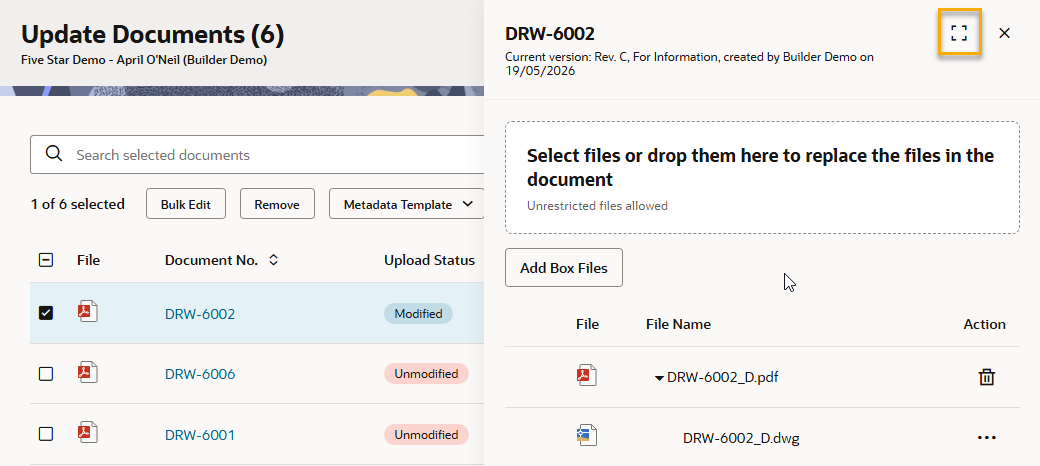
If your project uses secondary files, known as renditions, make sure your file names match the documents you're updating. You must update the primary file and all secondary files together at the same time to ensure revisions are kept together. If you only update a document's metadata, the existing primary and secondary files from the current version of the document will automatically carry forward to the new version.
If you're using a High Compliance instance of Aconex, you can choose either the new upload or classic upload. The new enhanced upload is not currently available for High Compliance.